Blog
Why cable management matters
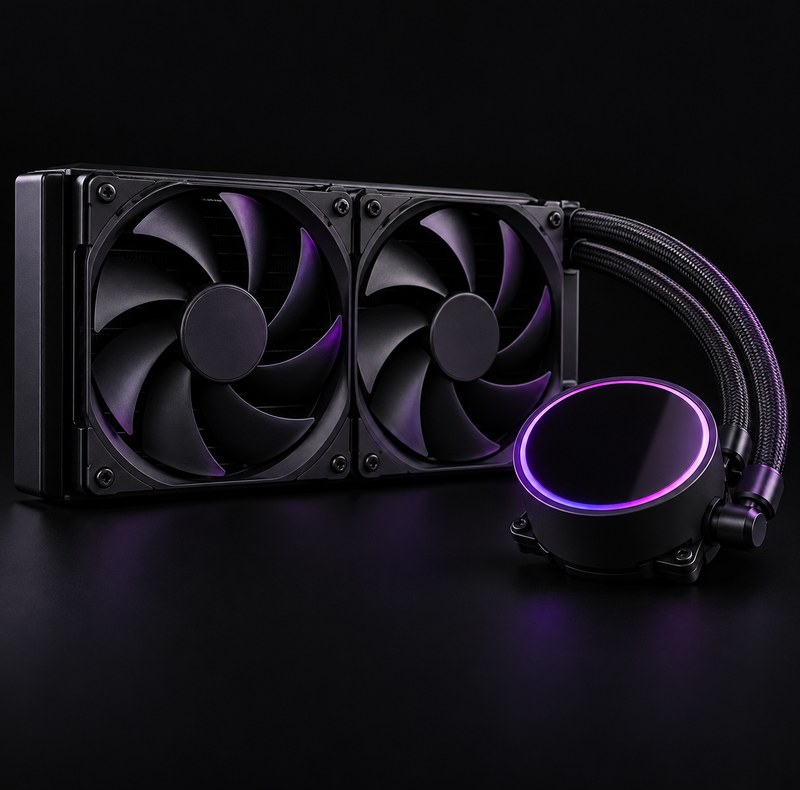
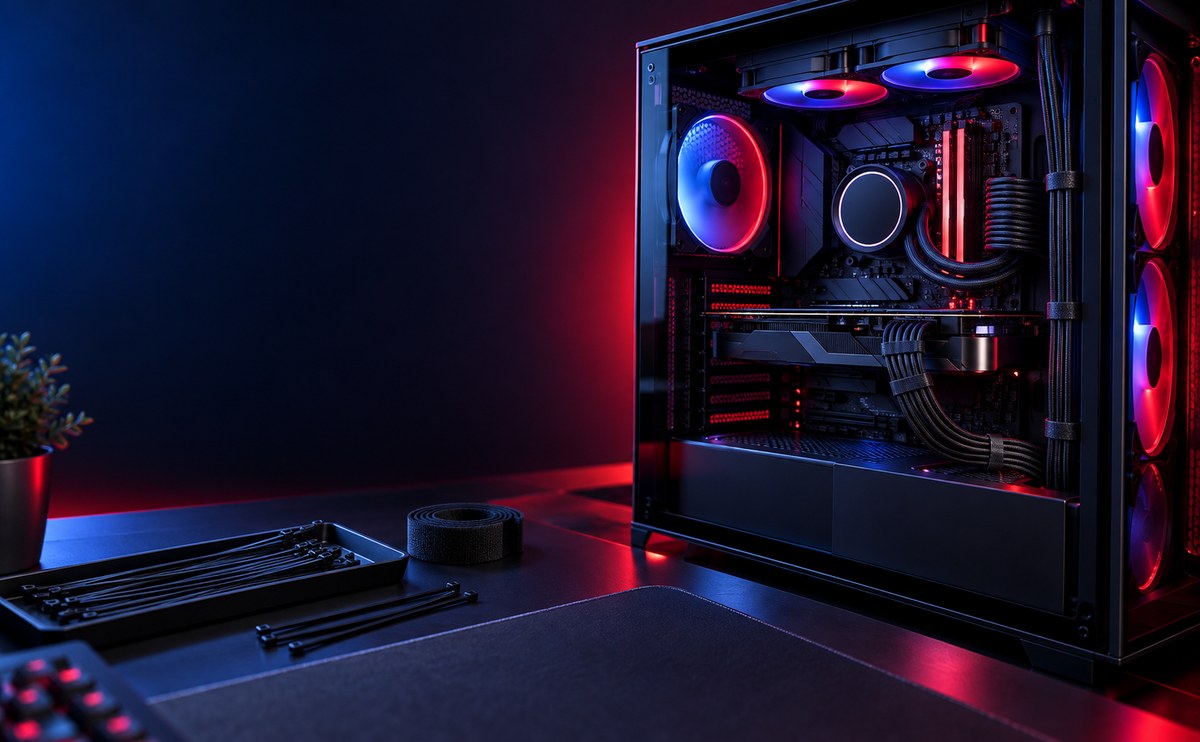
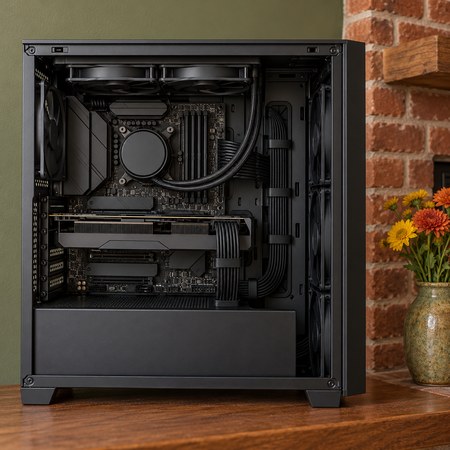
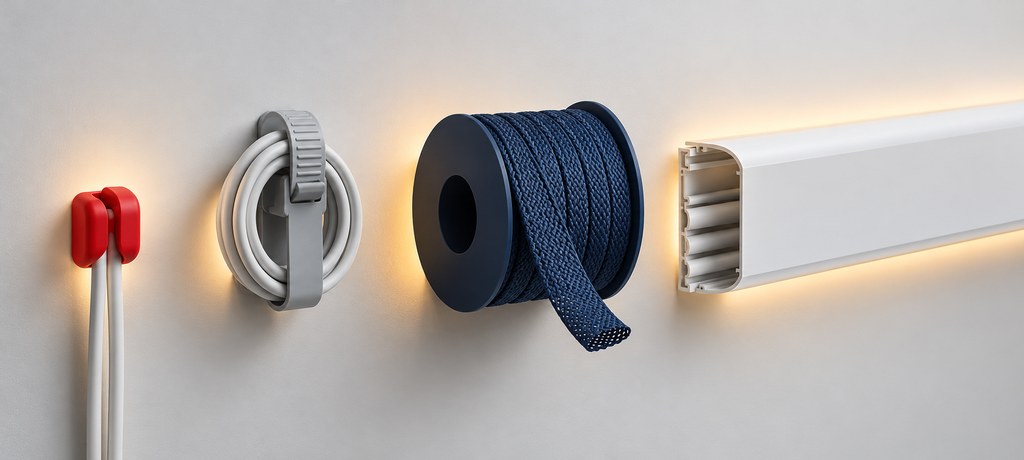
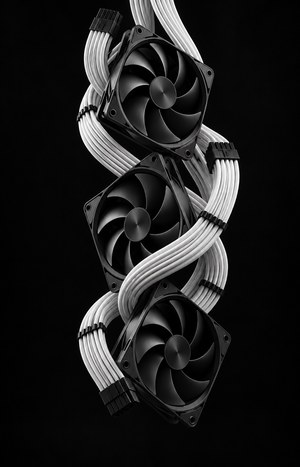
Messy cables block airflow, trap dust, and make every future upgrade harder than it needs to be. A build with tidy cables runs cooler and holds its dust filters longer.
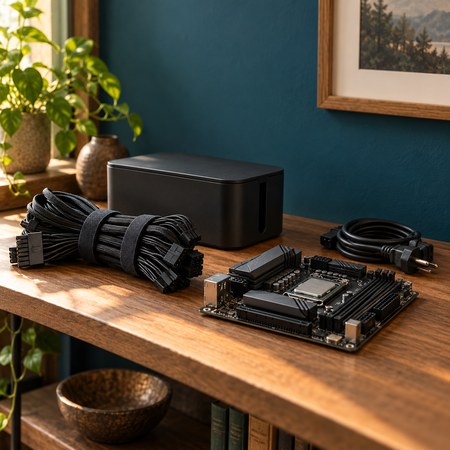
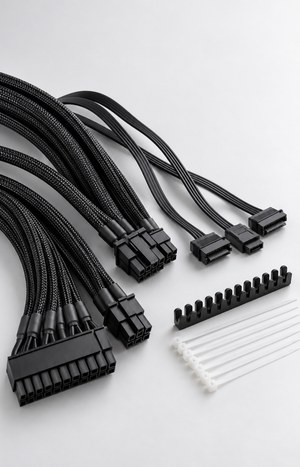
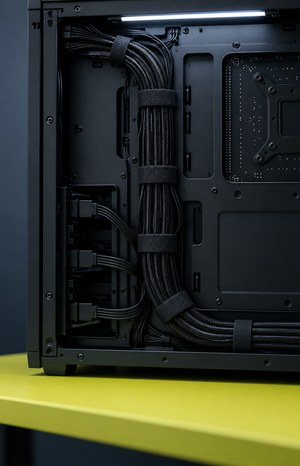
Route cables behind the tray, bundle them with ties, and keep spare power leads tucked away. It takes an extra twenty minutes and pays off every time you open the case.
ACCESSORIES
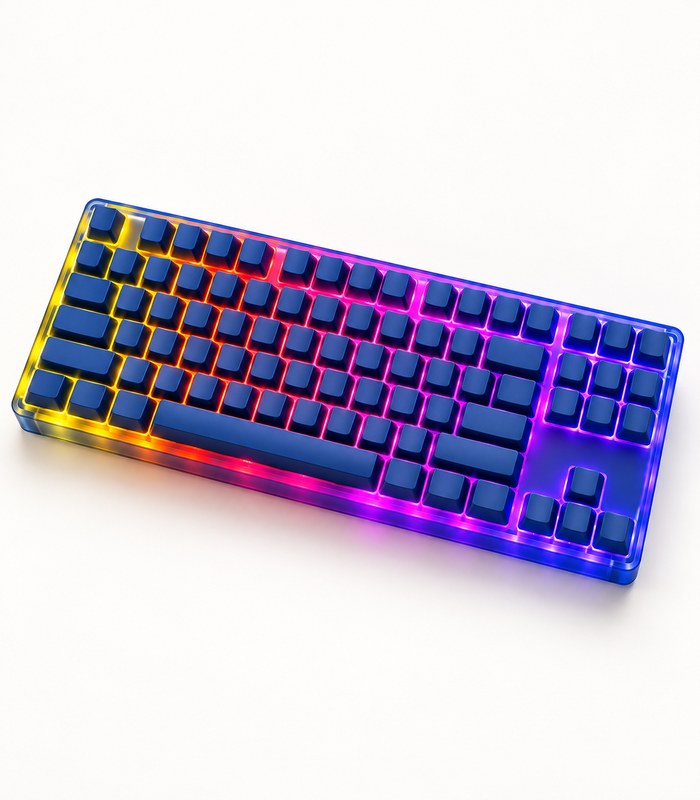
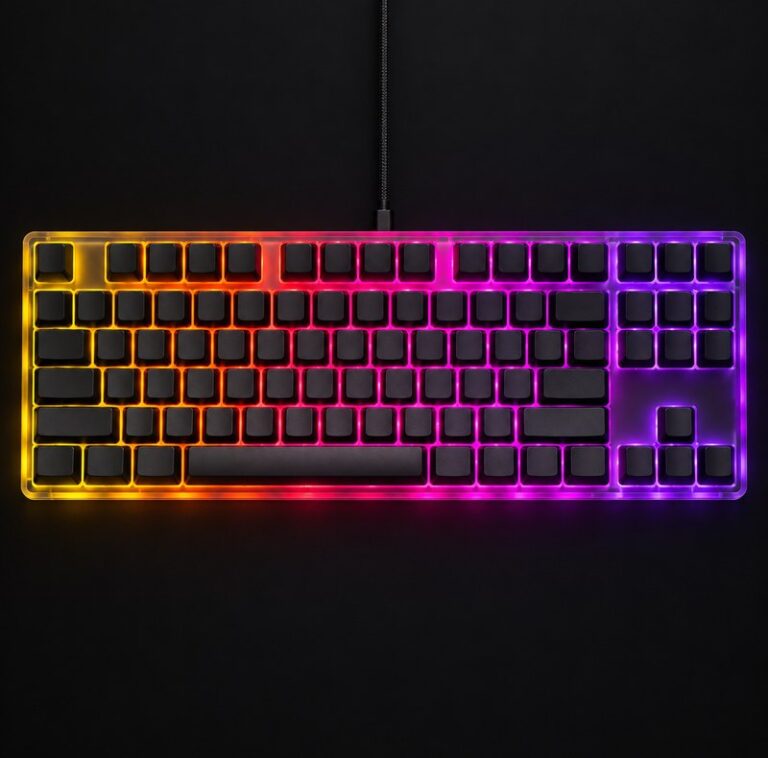
Compact RGB Mechanical Keyboard
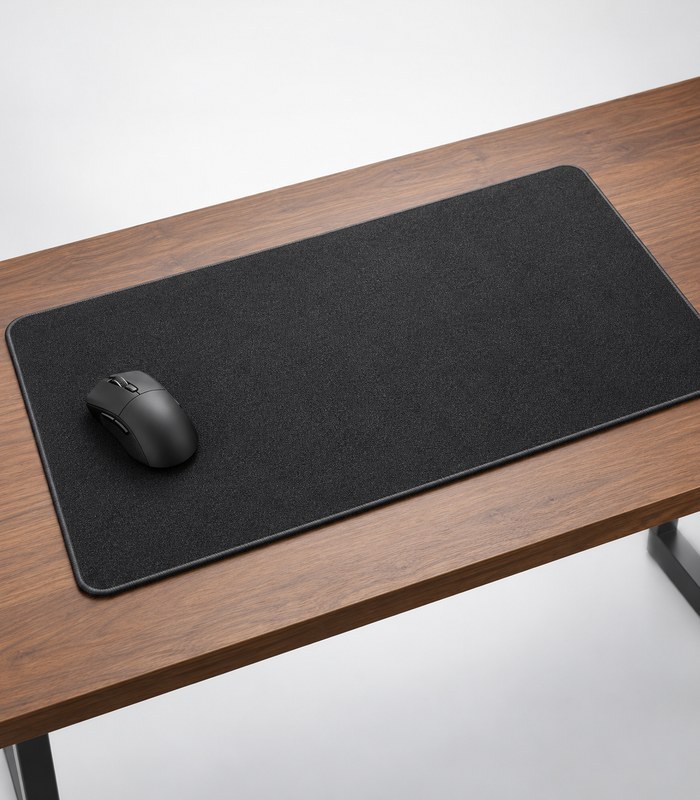
R3,580.00Extended Cloth Mouse Pad
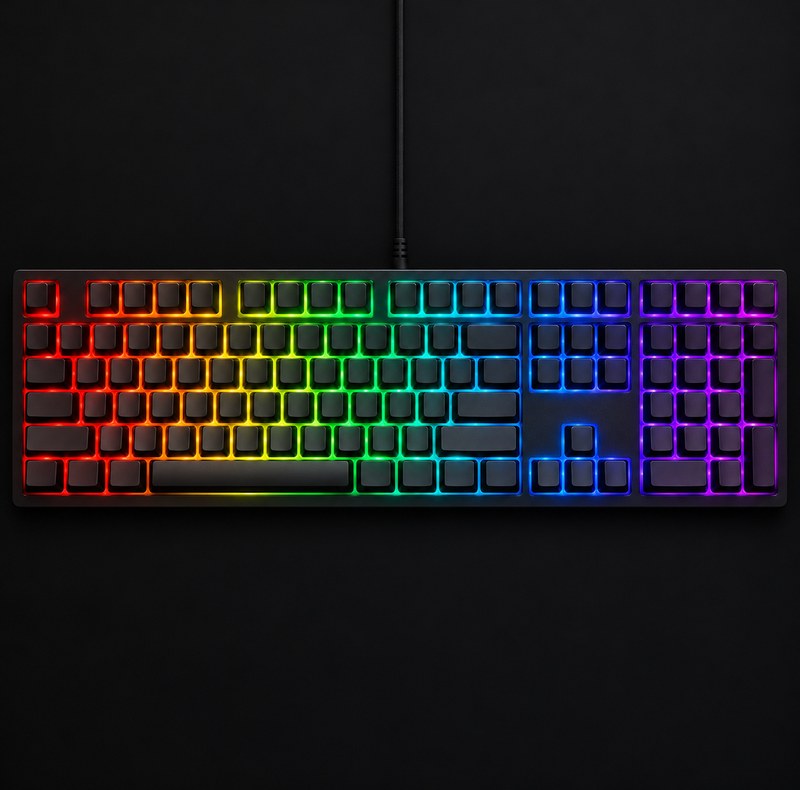
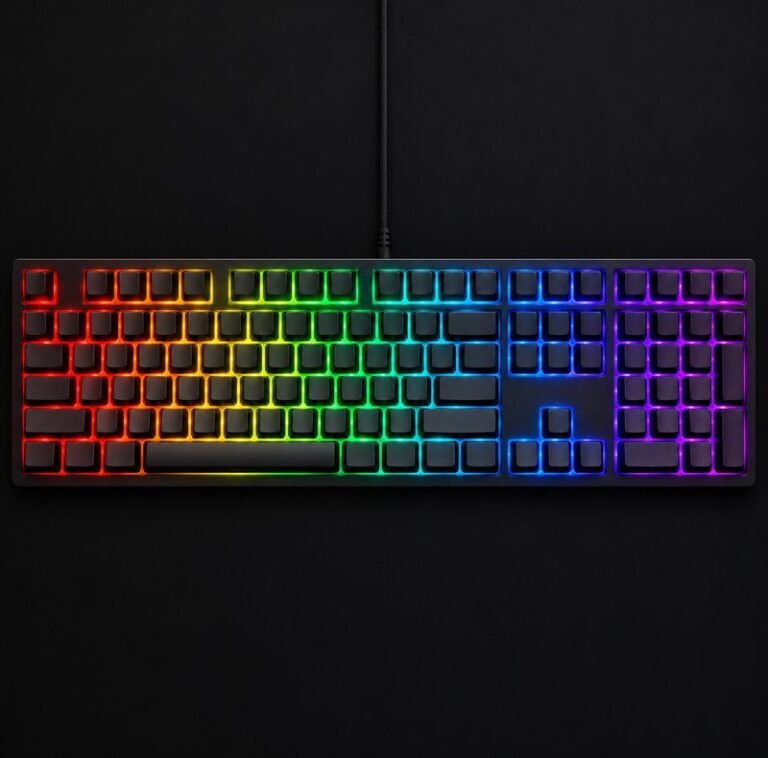
Full Size RGB Gaming Keyboard
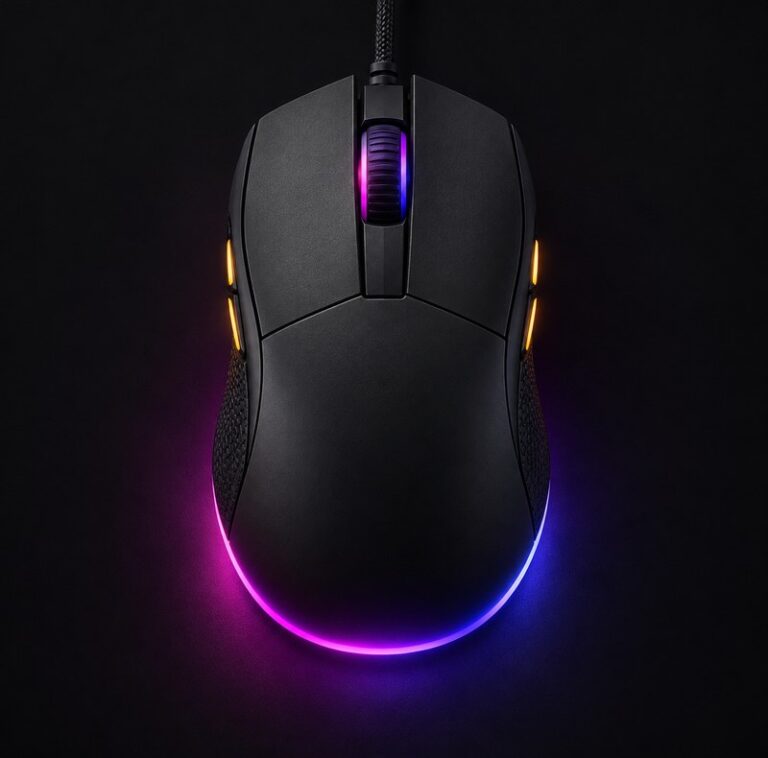
R1,780.00RGB Ergonomic Gaming Mouse
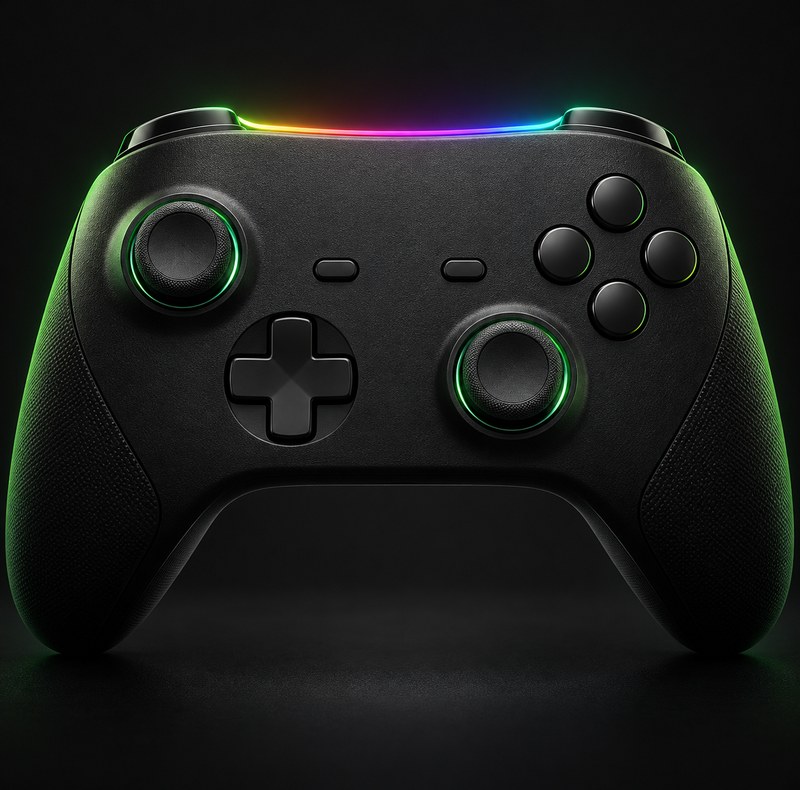
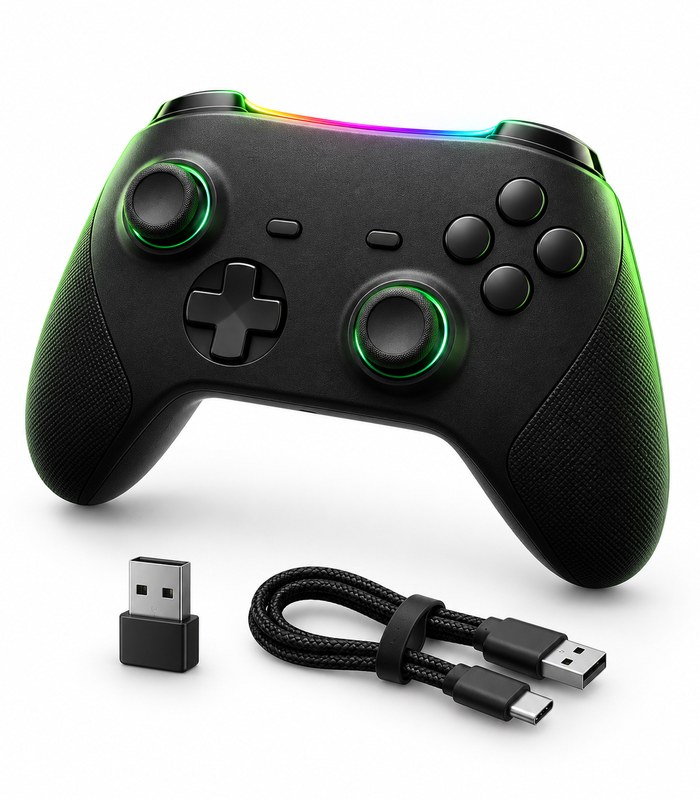
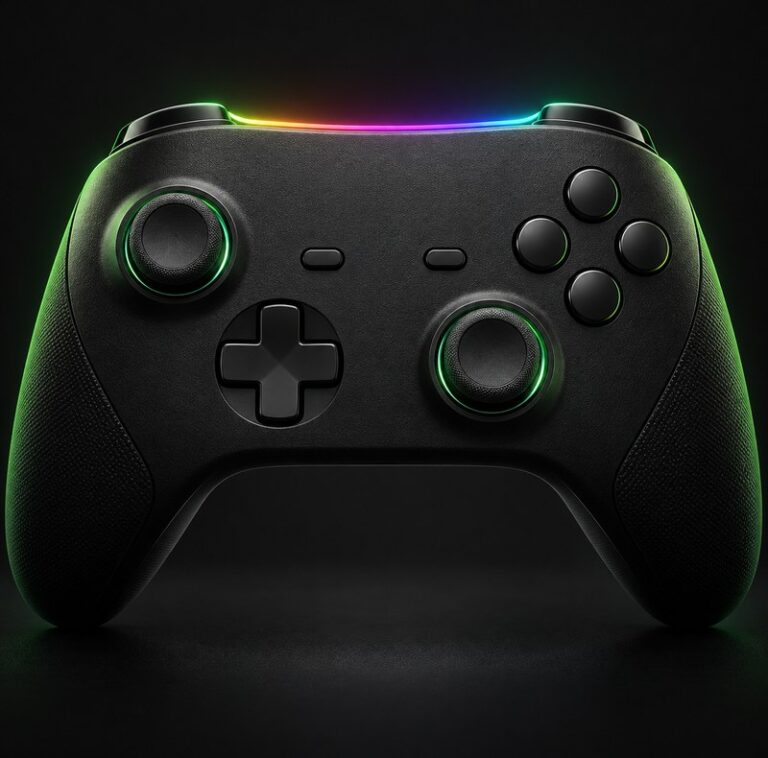
R7,720.00Wireless Gaming Controller
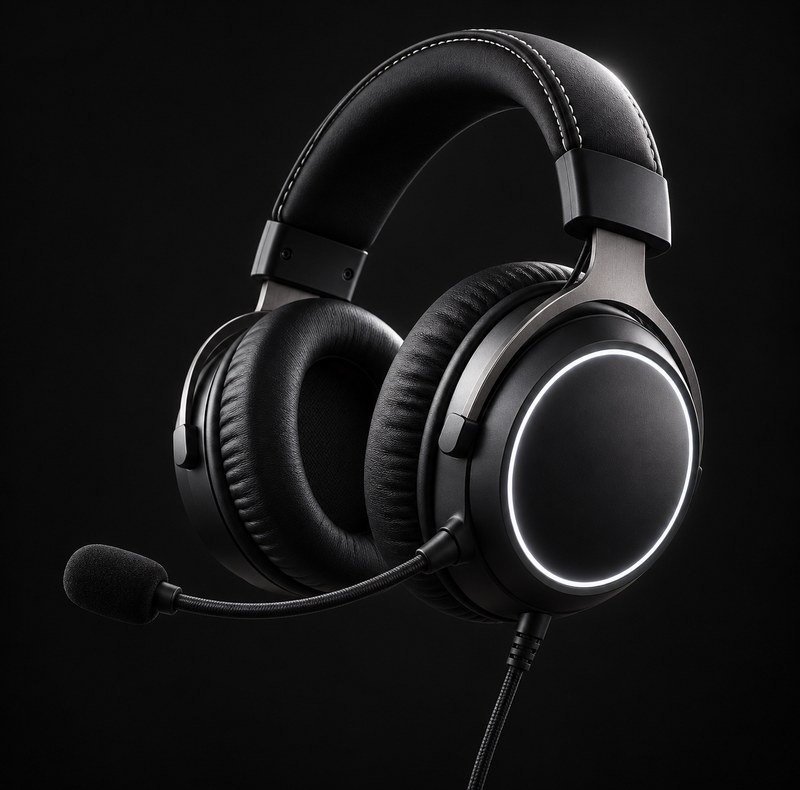
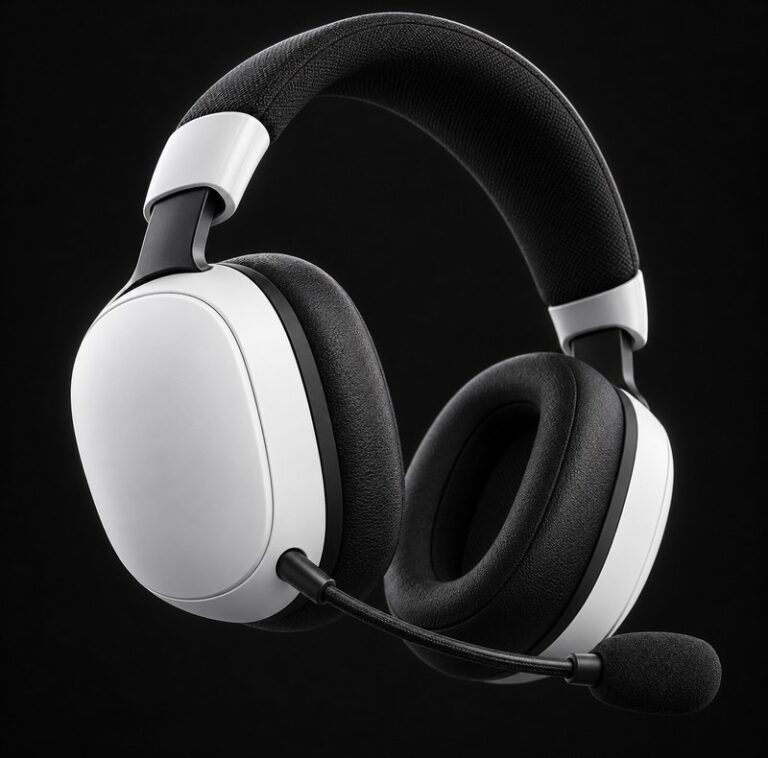
R1,600.00 – R5,380.00Price range: R1,600.00 through R5,380.00Wireless Gaming Headset White
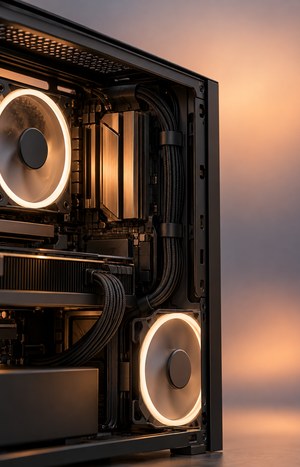
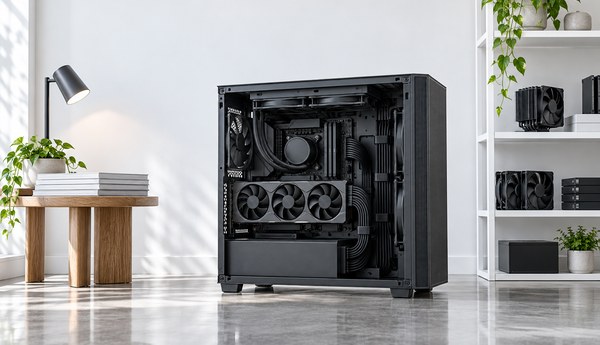
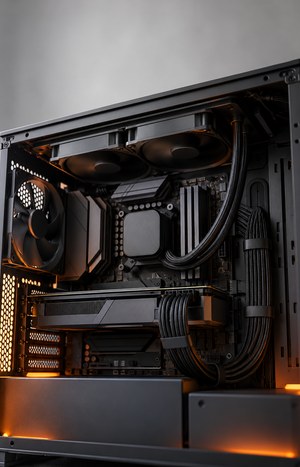
R10,780.00A cluttered interior is one of the biggest reasons cases run hotter than they should. Loose cables sit right in front of intake and exhaust fans, slowing the air your cooler and graphics card depend on. Tidying them up is one of the cheapest performance upgrades you can make, and it costs nothing but time.
Parts we would put in our own machines, checked before you pay.
Need Advice - Talk To Us
Parts we would put in our own machines, checked before you pay.
Need Advice - Talk To Us
Parts we would put in our own machines, checked before you pay.
Need Advice - Talk To Us
Parts we would put in our own machines, checked before you pay.
Need Advice - Talk To Us
LIGHTING
Compact RGB Mechanical Keyboard
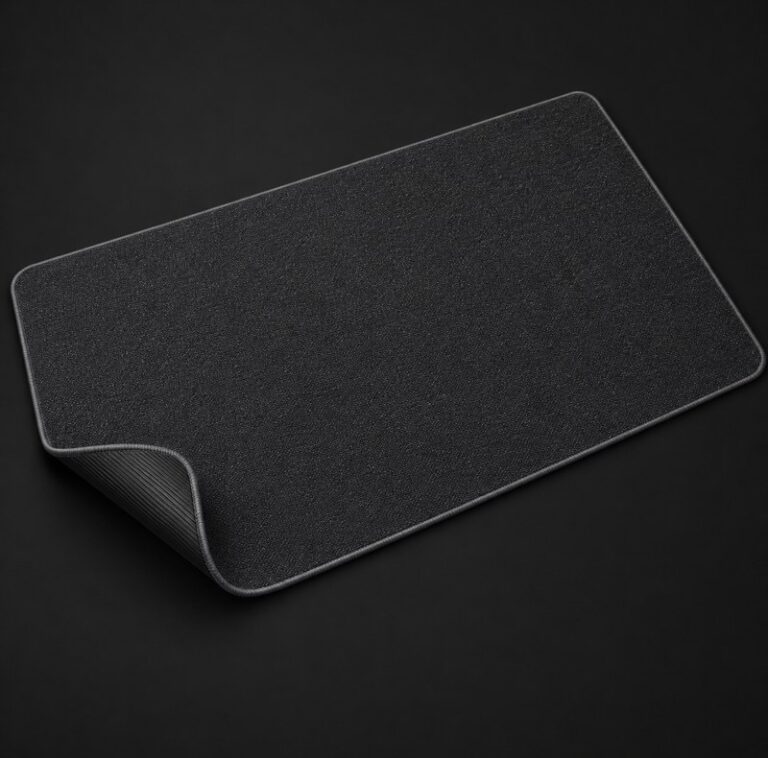
R3,580.00Extended Cloth Mouse Pad
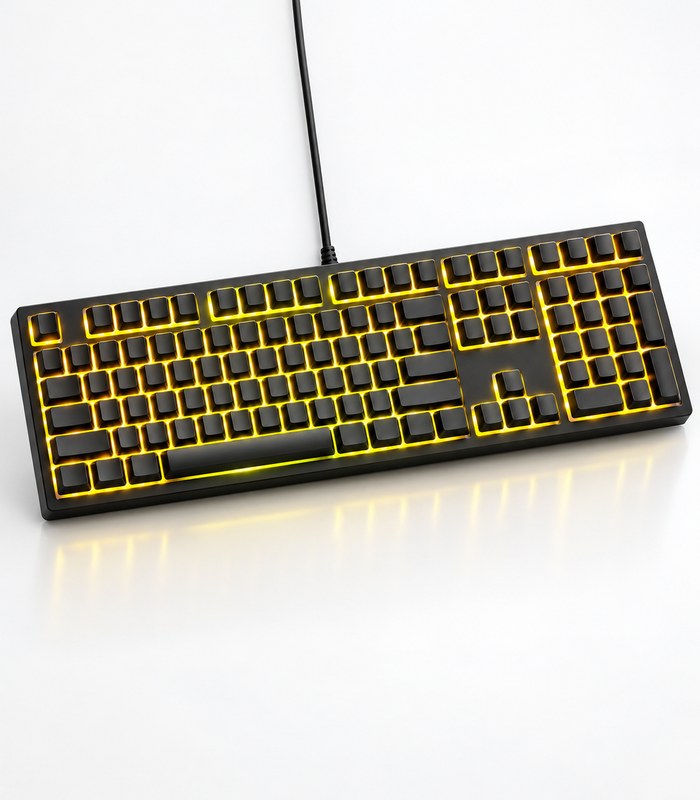
Full Size RGB Gaming Keyboard
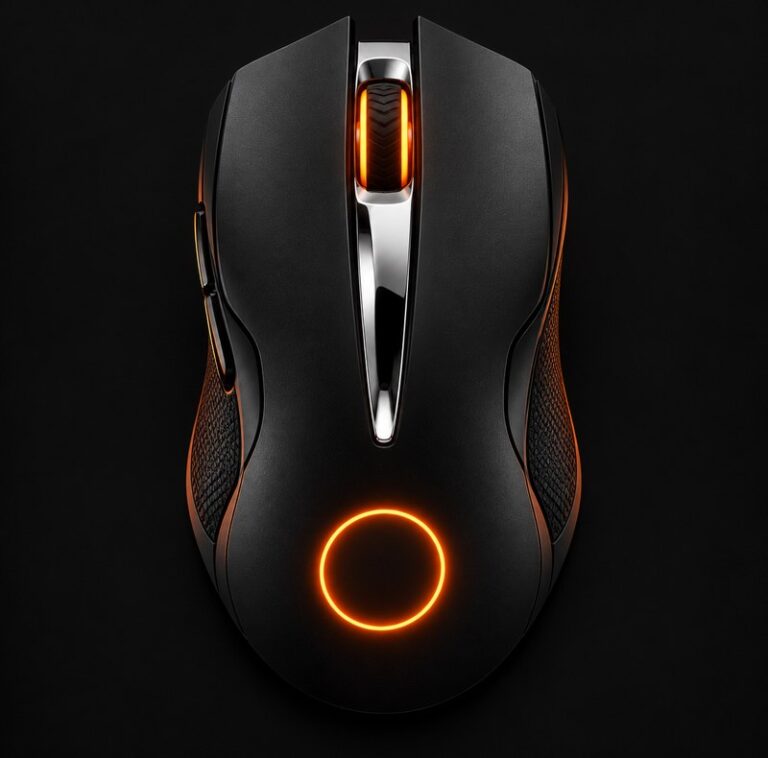
R1,780.00RGB Ergonomic Gaming Mouse
R7,720.00Wireless Gaming Controller
R1,600.00 – R5,380.00Price range: R1,600.00 through R5,380.00Wireless Gaming Headset White
R10,780.00Good cable routing also makes troubleshooting much faster. If a drive stops showing up or a fan will not spin, you can trace the cable in seconds instead of pulling half the build apart. It is a small habit that saves real time the next time something needs attention inside the case.
Plan ahead
Before you tighten a single tie, decide where each cable will run. Map out your power leads, data cables and fan headers while the case is still open and easy to reach. A few minutes of planning here saves a lot of frustration once everything is screwed down and the bays are full.
Bundle smart
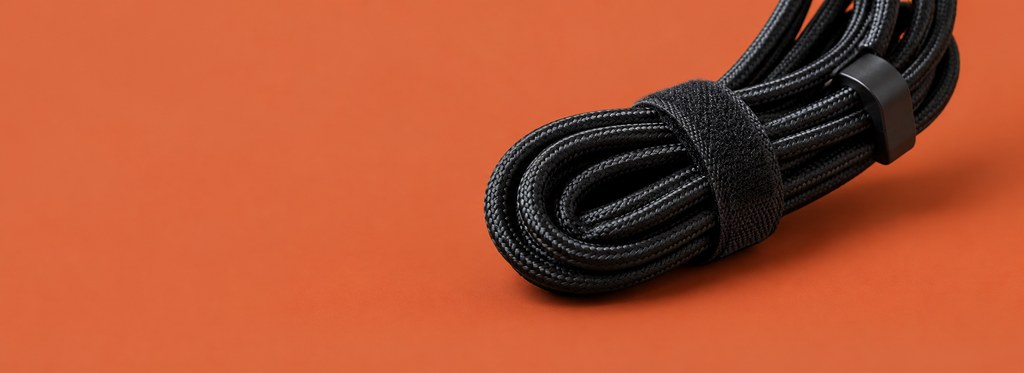
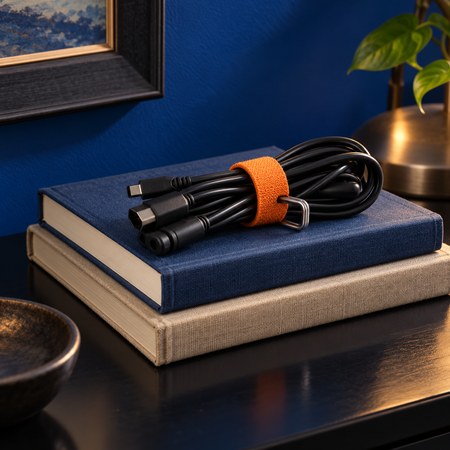
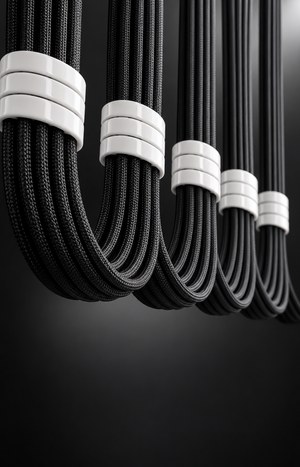
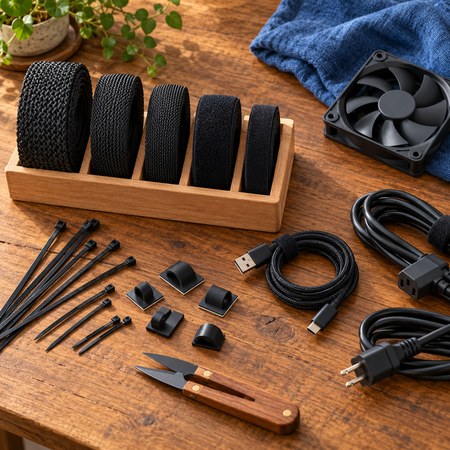
Group cables that run the same direction and secure them together rather than taping down single wires one at a time. Velcro straps work better than zip ties here, since you can undo them in seconds the next time you add a drive or swap a graphics card.
Mind airflow
Keep bundled cables out of the path between your intake fans and your components. Even a single loose cable sitting in front of a fan can cut airflow enough to raise temperatures under load, which your cooler then has to work harder to make up.
Label everything
A small strip of tape with a cable's purpose written on it saves real time later. When you come back to add memory or move a drive, you will know at a glance which lead powers what, instead of tracing wires through the whole case again.
None of this needs to be perfect. Even a basic effort to bundle and route cables will keep your case cooler, your filters cleaner and your next upgrade easier. Start with the big leads from the power supply, then tidy the smaller fan and header cables once everything works.
FURNITURE
Compact RGB Mechanical Keyboard
R3,580.00Extended Cloth Mouse Pad
Full Size RGB Gaming Keyboard
R1,780.00RGB Ergonomic Gaming Mouse
R7,720.00Wireless Gaming Controller
R1,600.00 – R5,380.00Price range: R1,600.00 through R5,380.00Wireless Gaming Headset White
R10,780.00Good cable management does not cost anything beyond a bit of time and a packet of velcro ties. Route the main power cables behind the tray, keep fan and header wires out of the airflow path, and bundle anything you are not using straight away. The result is a case that runs cooler and is far easier to work on.
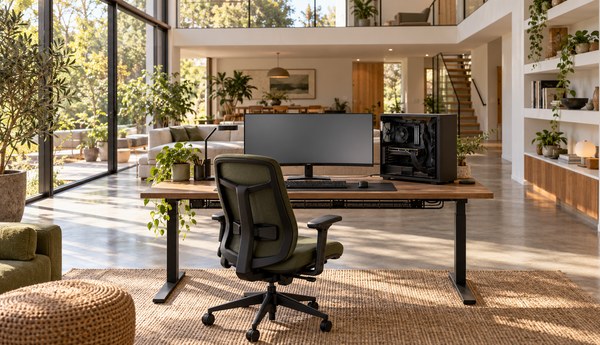
Think about cable management the same way you think about picking parts, it is part of getting the build right, not an afterthought once everything is already installed. Plan your routing before you start fitting components, use the tie points built into most modern cases, and leave yourself some slack near the motherboard so you are not fighting tight cables later.
Good cable management does not cost anything beyond a bit of time and a packet of velcro ties. Route the main power cables behind the tray, keep fan and header wires out of the airflow path, and bundle anything you are not using straight away. The result is a case that runs cooler and is far easier to work on.
Think about cable management the same way you think about picking parts, it is part of getting the build right, not an afterthought once everything is already installed. Plan your routing before you start fitting components, use the tie points built into most modern cases, and leave yourself some slack near the motherboard so you are not fighting tight cables later.
Good cable management does not cost anything beyond a bit of time and a packet of velcro ties. Route the main power cables behind the tray, keep fan and header wires out of the airflow path, and bundle anything you are not using straight away. The result is a case that runs cooler and is far easier to work on.
Think about cable management the same way you think about picking parts, it is part of getting the build right, not an afterthought once everything is already installed. Plan your routing before you start fitting components, use the tie points built into most modern cases, and leave yourself some slack near the motherboard so you are not fighting tight cables later.