
Blog
How to pick a graphics card that lasts

Related Posts
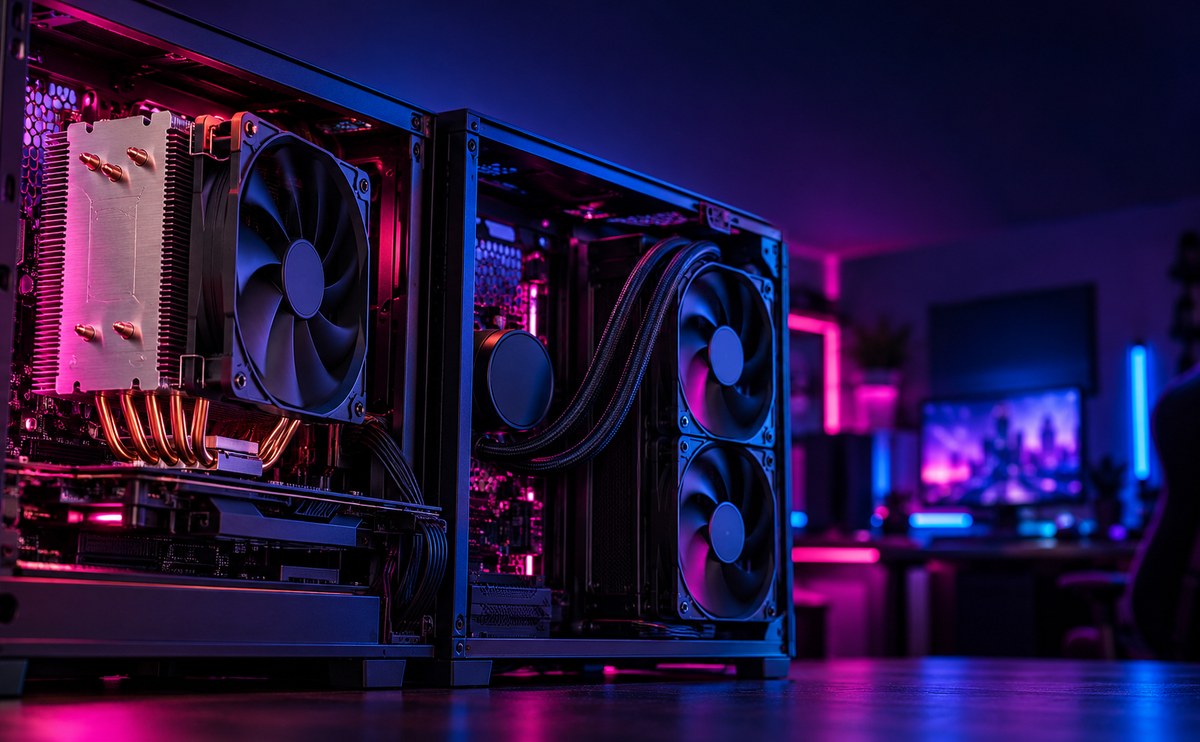
Air cooling or liquid cooling at home

Air cooling is simple and reliable. A good tower cooler handles most builds without fuss, and there is nothing to leak. Liquid cooling ...
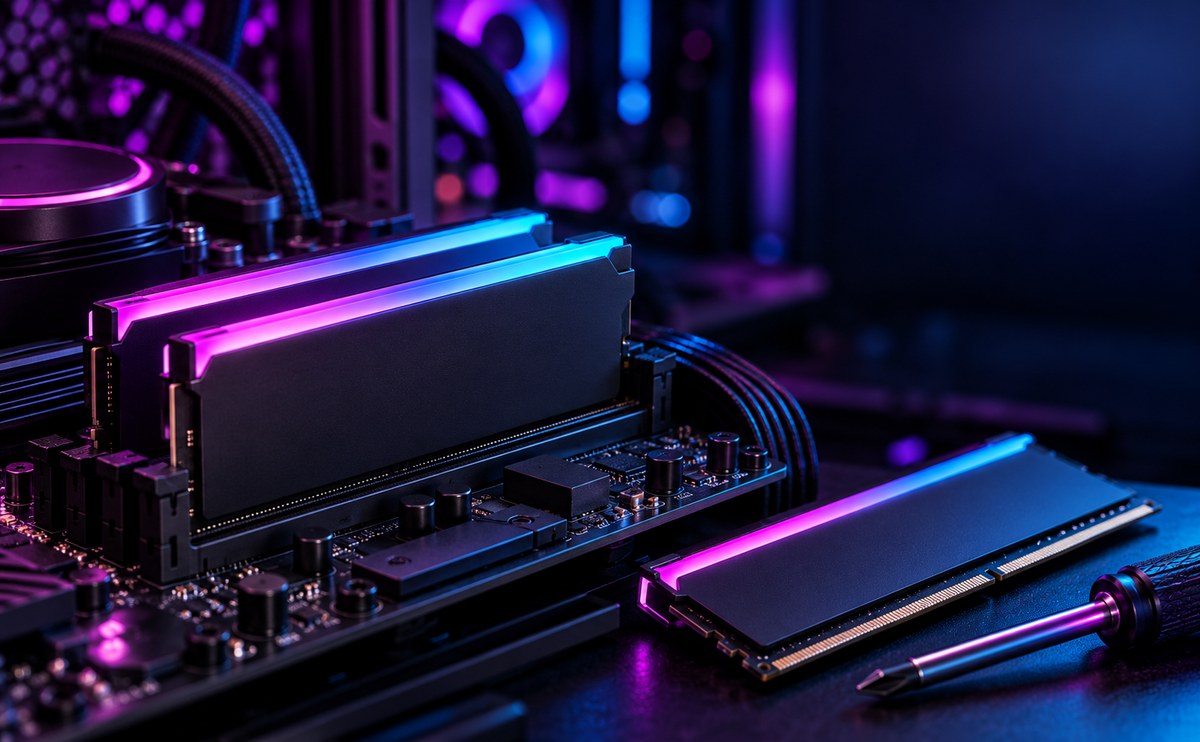
How much RAM you actually need
When it's about controlling hundreds of articles, product pages for web shops, or user profiles in social networks, all
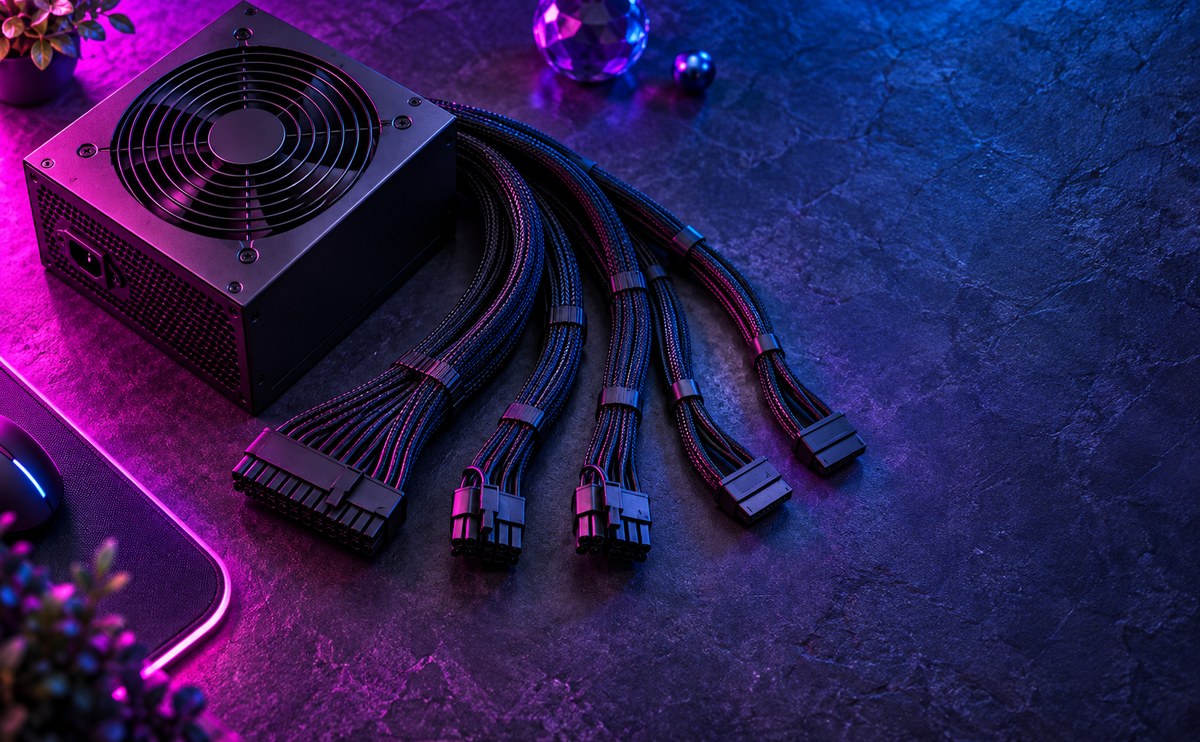
Picking a power supply you can trust
A power supply is not something to save money on. It's the one part that touches every other component, and a bad one can take the rest...
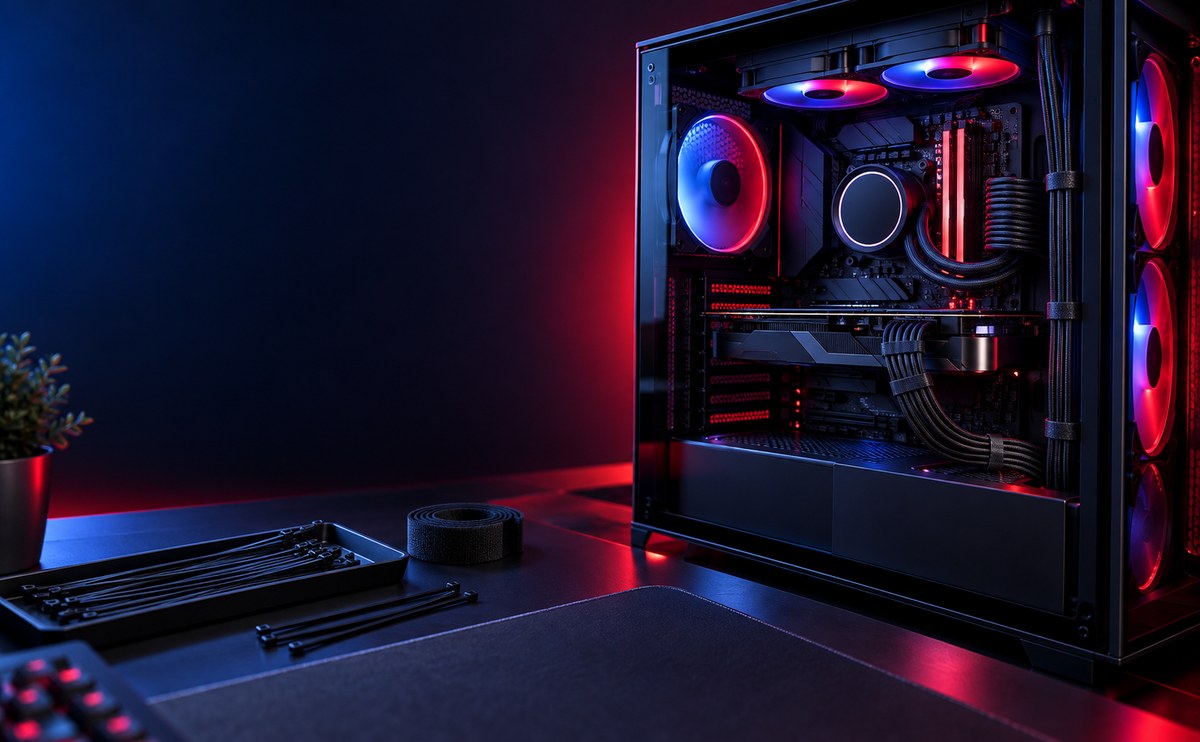
Why cable management matters
Messy cables block airflow, trap dust, and make every future upgrade harder than it needs to be. A build with tidy cables runs cooler a...
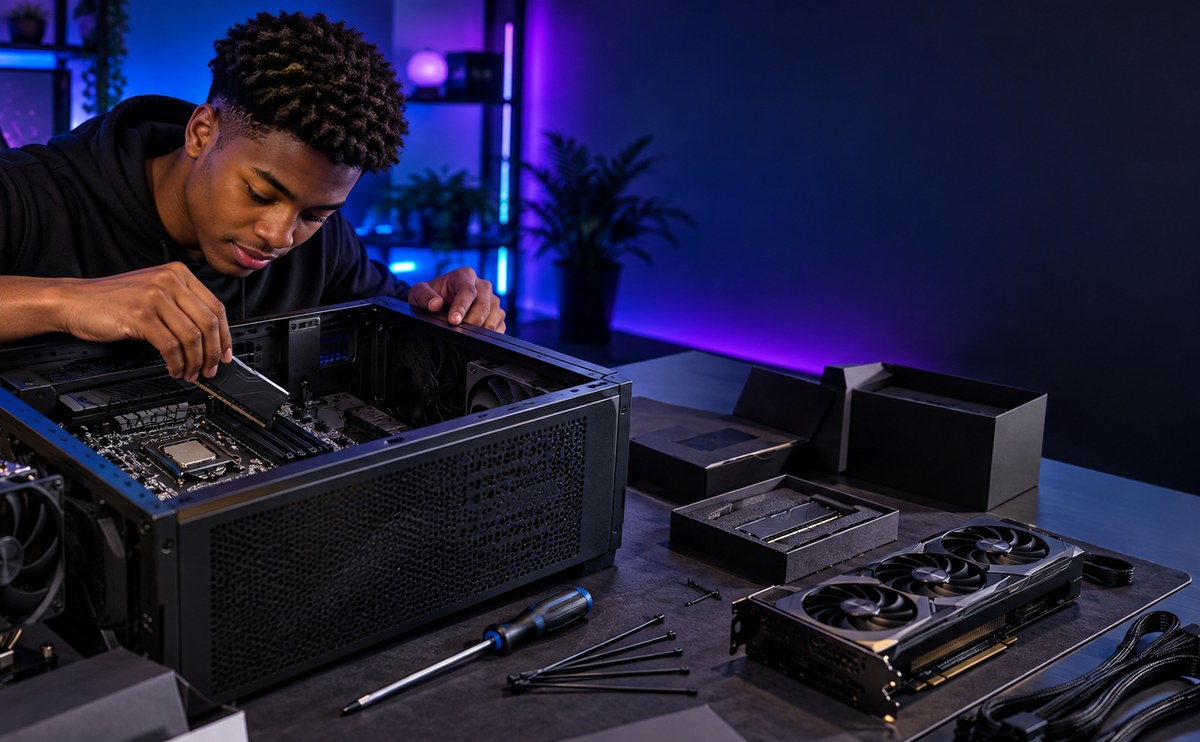
Building your first PC, step by step
Building your first PC sounds harder than it is. Once the parts are in front of you, most of the work is matching connectors to slots a...
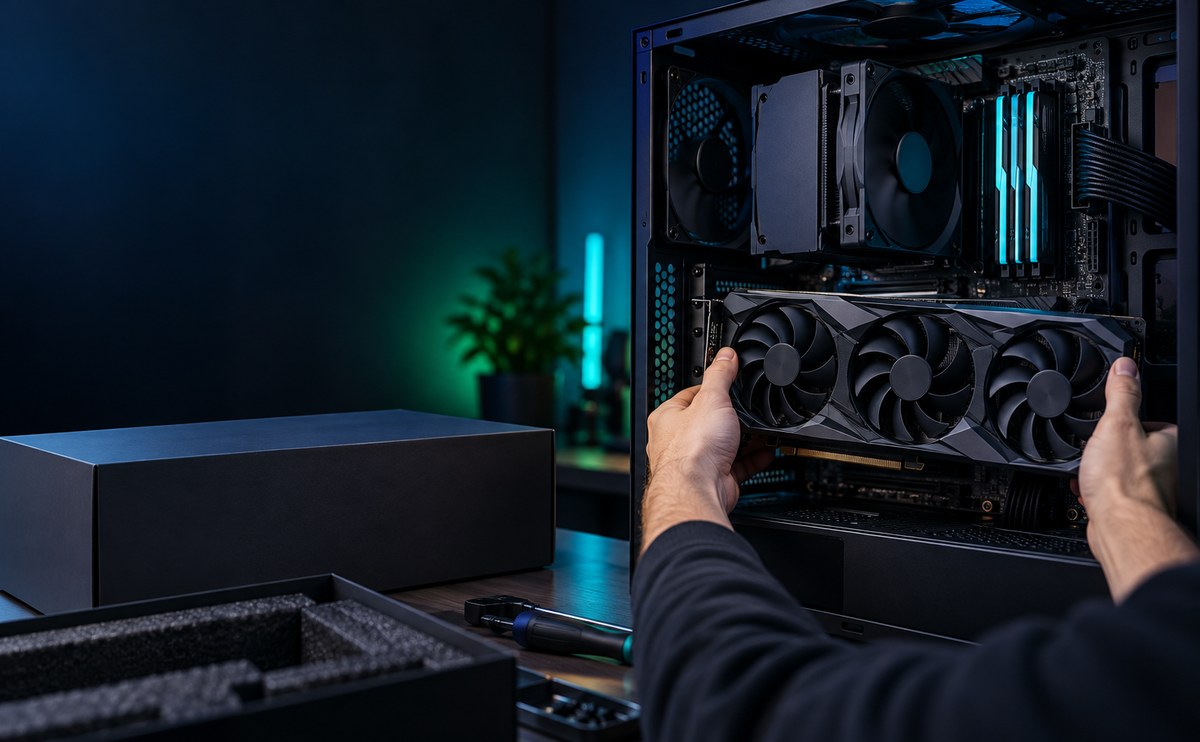
When an upgrade beats a new machine
A new machine is not always the answer. A graphics card, more memory or a faster drive can bring an older PC back to life for less than...