Decoration

How to pick a graphics card that lasts

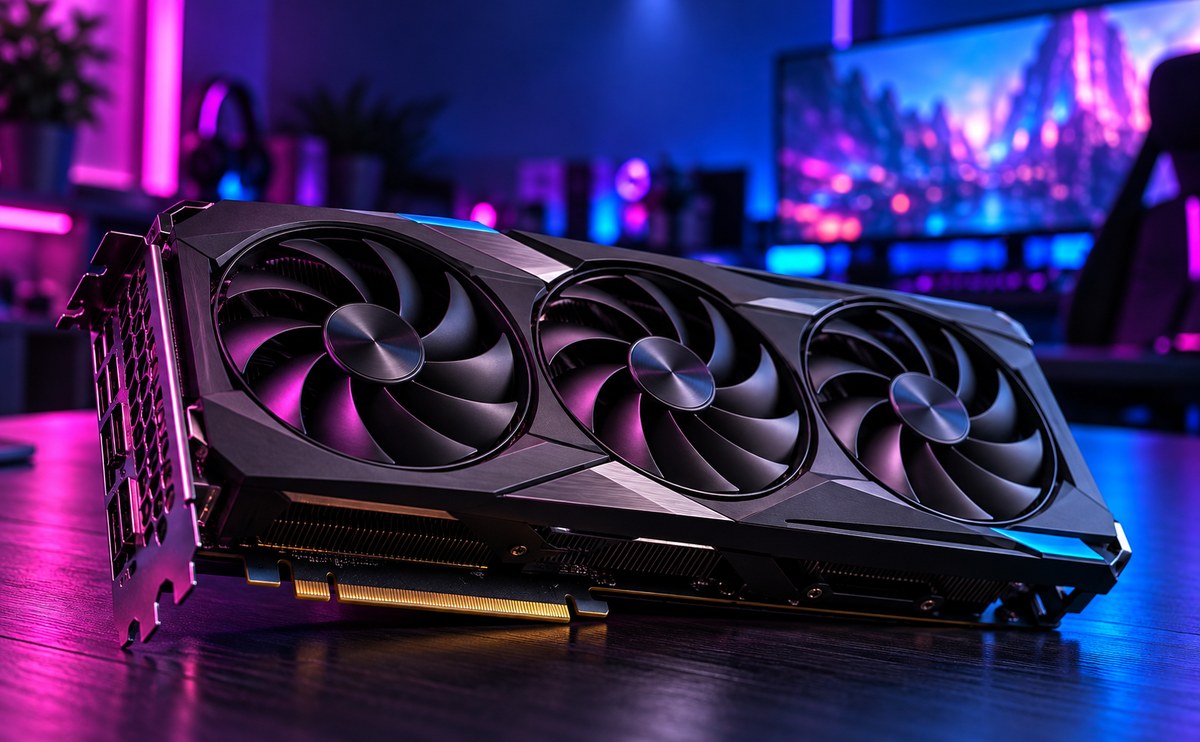
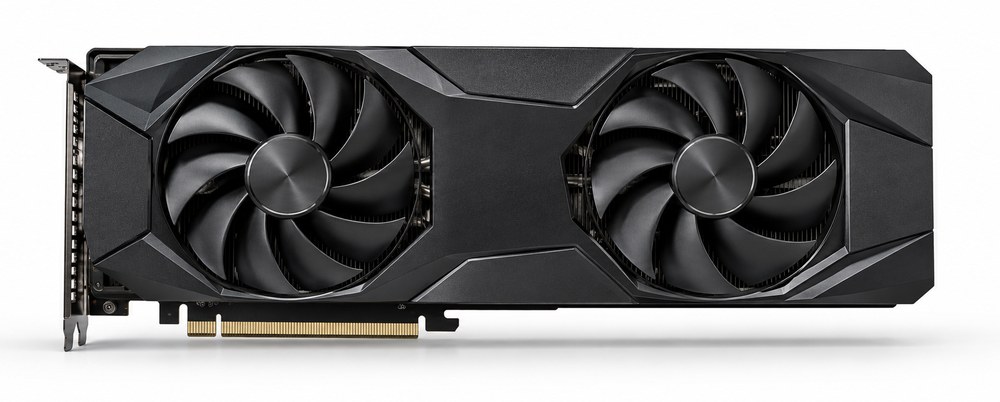
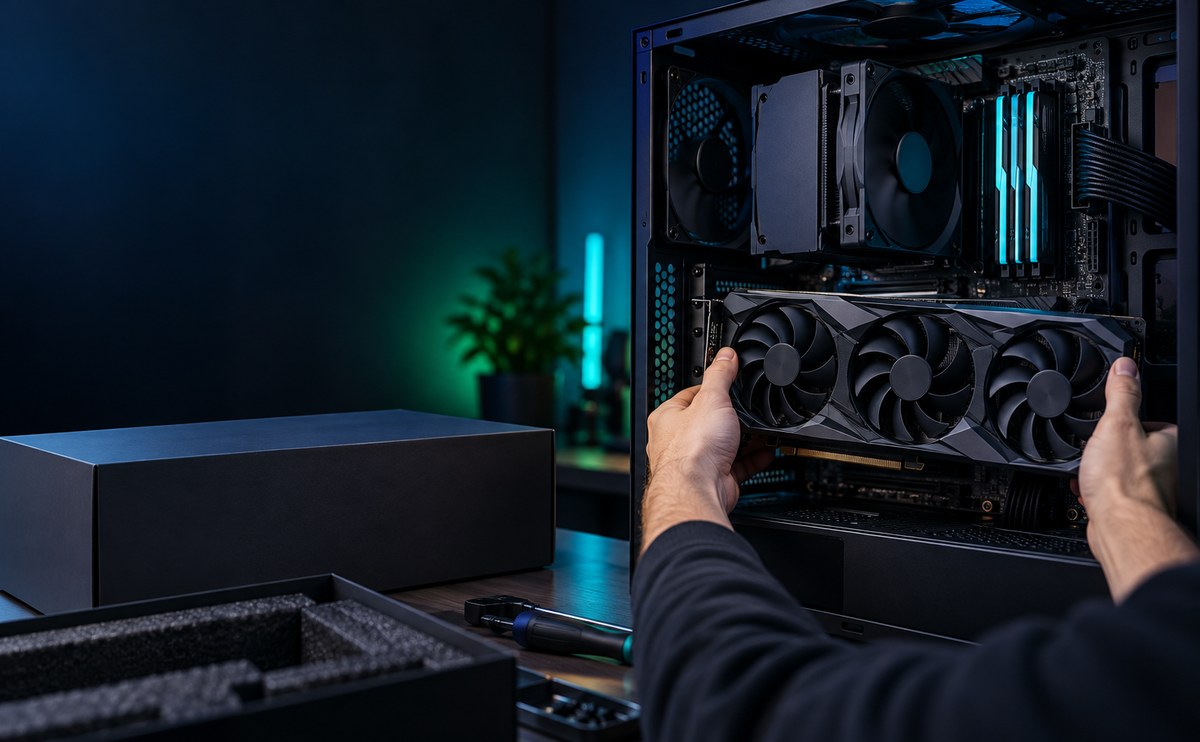
Large unbranded graphics card with triple fans on a dark desk surface, angled front view

A good graphics card should last you three to four years, not just one. Check how much power it needs before you buy, and make sure your case has room for it.

Look at real benchmarks, not just marketing numbers. Match the card to the games or software you actually use, and leave some headroom for the next few years.

Check VRAM

Eight gigabytes is the minimum we would recommend today, and twelve or more gives you room to grow as games and software ask for more memory. More VRAM means a card keeps up with newer titles for longer, even if the chip itself is a generation or two behind. Running out of VRAM is one of the main reasons a card feels slow long before it actually is.

Power draw

Look at a card's rated wattage before you look at the price. A higher wattage card needs a matching power supply, and skimping there causes crashes and shutdowns under load, not just slower performance. Check the recommended PSU wattage on the box and compare it to what you already have. A card that strains your power supply will not last.

Cooling design

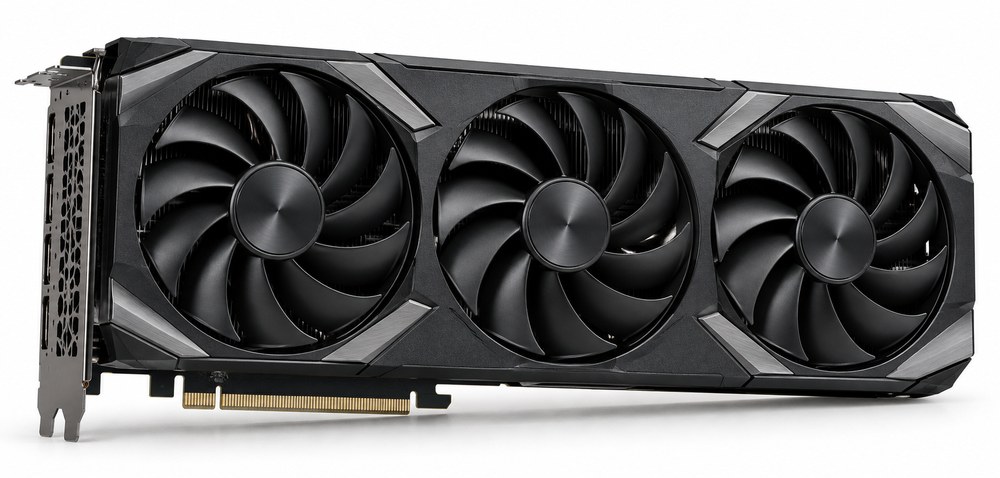
A big triple fan cooler runs cooler and quieter than a small blower style card, but it needs enough room in your case to breathe. Measure the card against your case before you buy, and make sure there is a clear path for air in and out. Good airflow keeps the chip and memory cool for years, which protects both performance and lifespan.

Cursus aliquam

Think about resale too. A card from a well known brand with a solid cooler holds its value better if you want to sell it on and upgrade again later. Buying a mid range card new often lasts longer in real use than buying last year's top end card secondhand, since you get full warranty and fresh thermal paste from day one.

Driver support matters as much as the hardware. Pick a brand that keeps pushing updates for its older cards, since a fresh driver can fix bugs and claw back some performance months after launch. Warranty length tells you more about expected durability than any benchmark number. Register your card when you buy it, keep the box, and check for driver updates every few months rather than only when something breaks.

Quick Checklist Before Buying
VRAM Wattage Airflow Warranty

Leave a Reply

Your email address will not be published. Required fields are marked *