



Blog
Using Mockups to Present Your Designs Like a Pro




Related Posts
How Cape Town Start-ups Approach Their Brand Identity

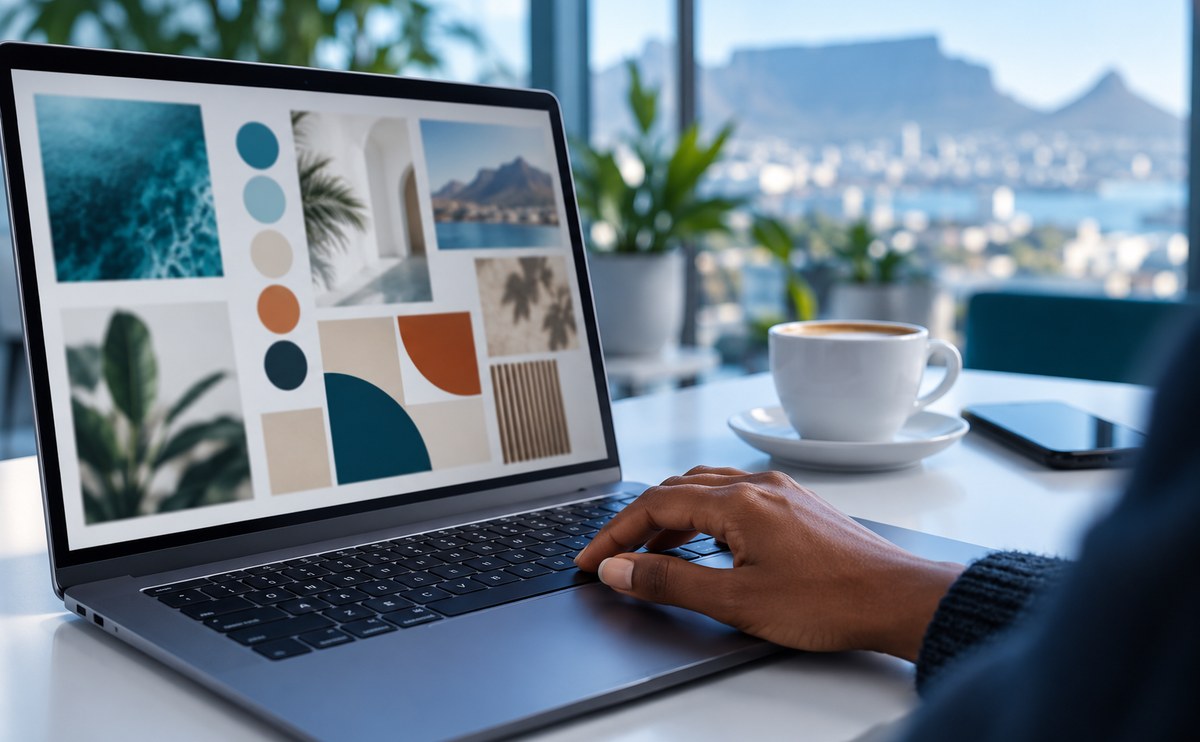
Stellenbosch has a small but busy design community. Studios, freelancers and print shops share the same few streets, and many of them s...
Creating Social Media Graphics That Stand Out on a Budget
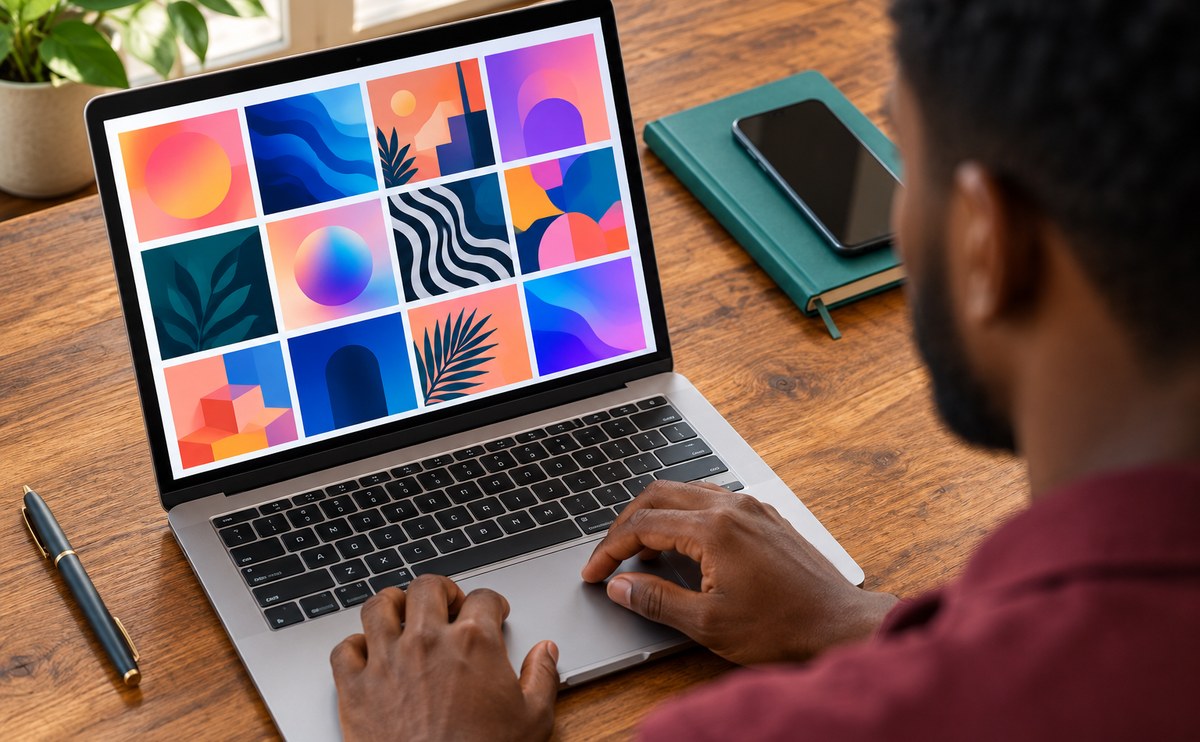
A good mockup makes a flat design look like a real thing. A logo on a coffee cup or a poster on a wall tells a client far more than a f...

Minimalist Design Trends South African Brands Are Using
Minimalist design is not about empty pages. It is about choosing what matters and removing the rest. South African brands are leaning o...
New Releases: Fonts and Templates from Local Designers
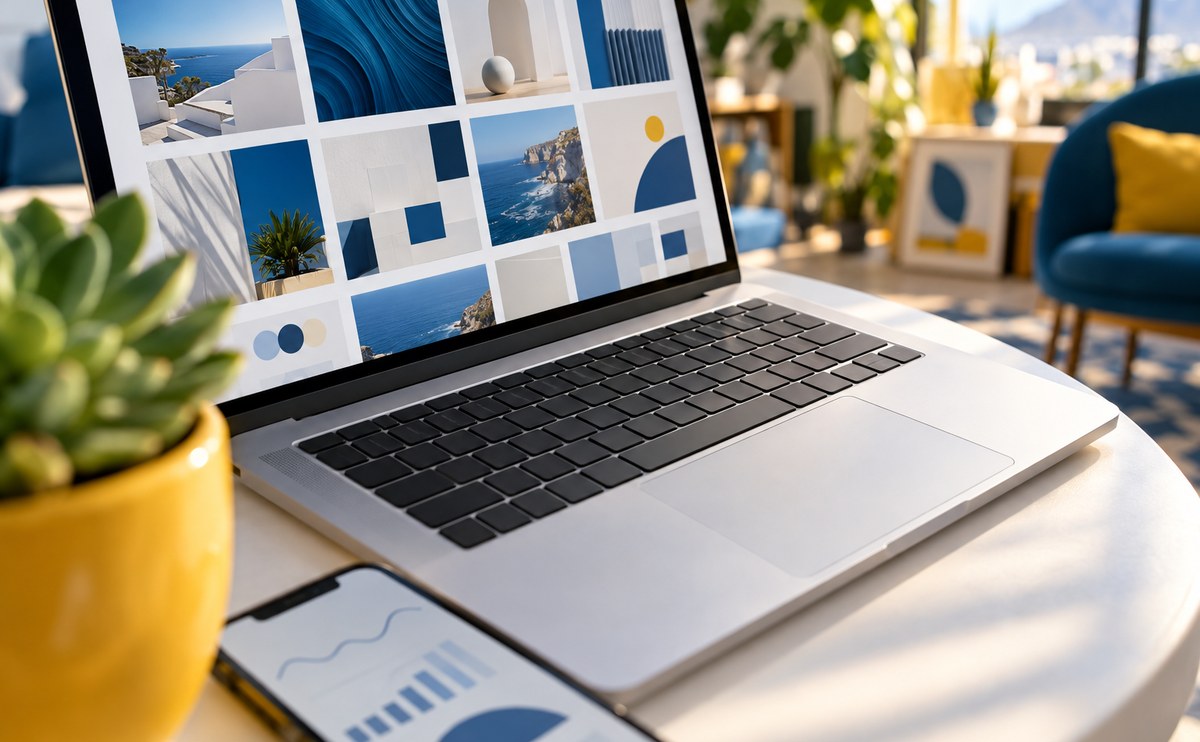
This month our local designers released a fresh batch of fonts and templates. Boland Pixel added two display typefaces, and Kaapstad Ty...
Freelancing in South Africa: Pricing Your Design Work
A clean file is half the job. Before you send anything to a client, check your layers, name your artboards and export a small preview. ...


