




Gaming TVs: What to Look for in Refresh Rate and HDMI 2.1

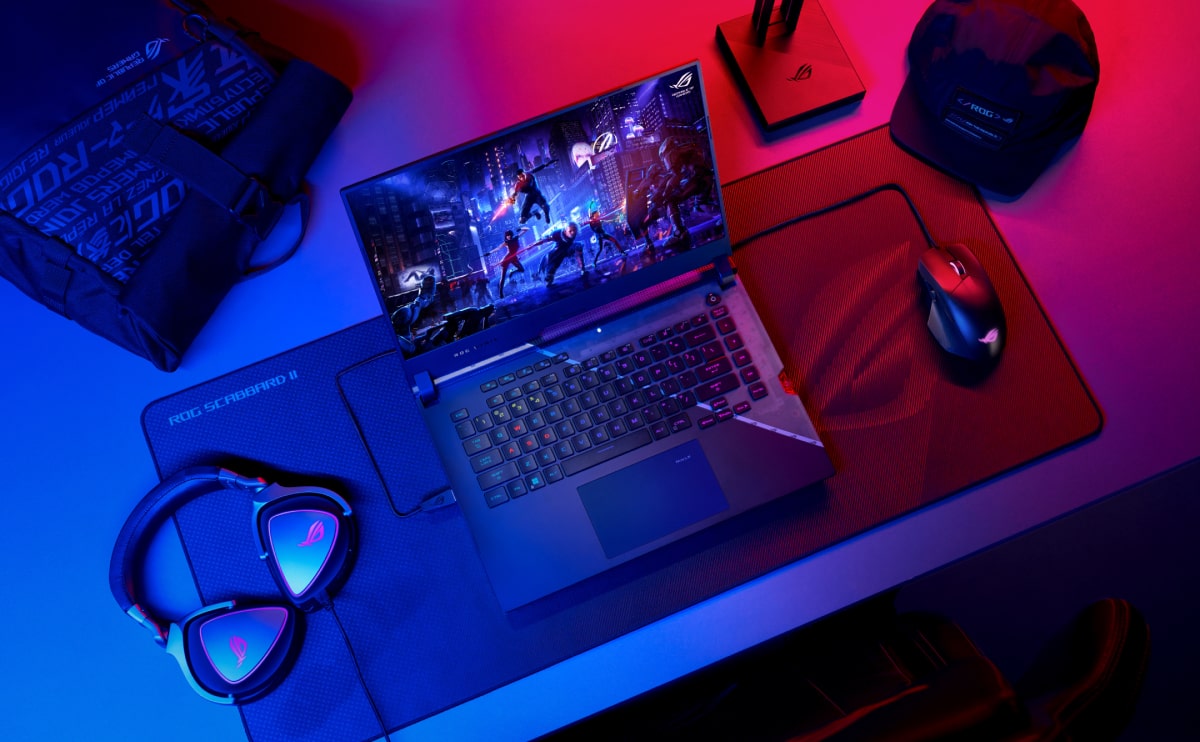
About Gaming TVs
Big picture, rich sound
A gaming TV is not the same as a regular smart TV. You want a fast panel, low input lag and the right HDMI ports for a console or PC. Size matters too, so measure the distance from the couch before you buy.
We tested four TVs from our shop floor in Fourways. Each one has a different size and price, so there is something for a small bedroom and for a large lounge. Below you will find the main specs and what we liked and did not.
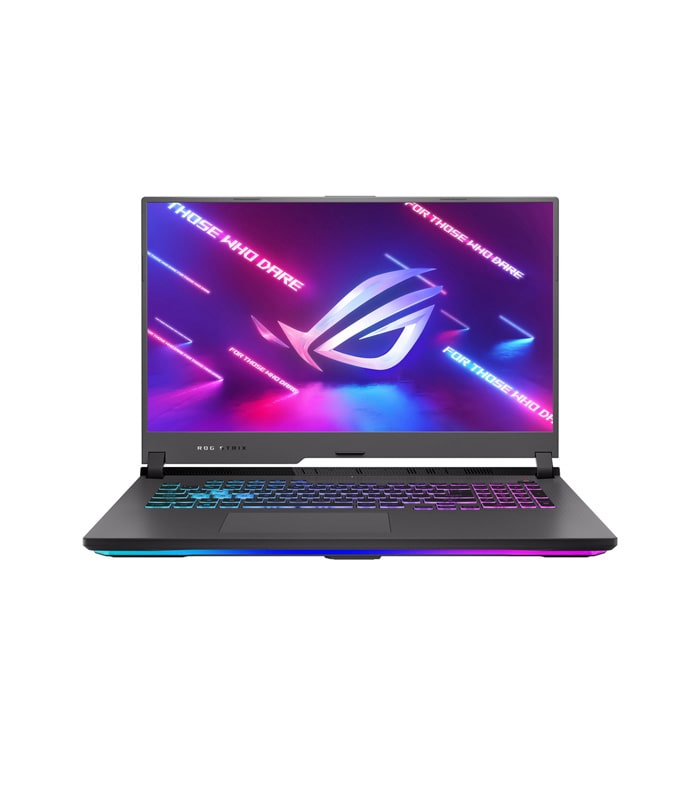
Look first at the refresh rate. A 120Hz panel makes fast games feel smooth, and it helps with sport too. Then check for HDMI 2.1, which lets a console send 4K at 120 frames a second.
Game mode is the next thing to find. It cuts the delay between your controller and the screen. Most good TVs switch to it by themselves when a console is plugged in. If you are unsure, ask us to set it up for you.

Reasons to buy
- Fast 120Hz panel
- Also solid for movies
- Starts fairly affordable

Reasons to avoid
- Could use better built-in speakers
- Lots of pre-installed apps
- Thin sound
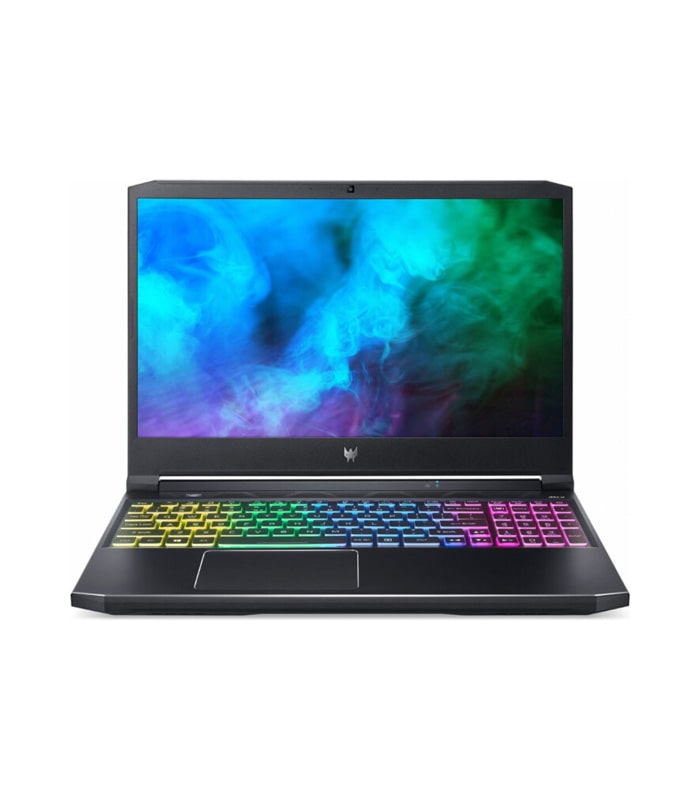
Look first at the refresh rate. A 120Hz panel makes fast games feel smooth, and it helps with sport too. Then check for HDMI 2.1, which lets a console send 4K at 120 frames a second.
Game mode is the next thing to find. It cuts the delay between your controller and the screen. Most good TVs switch to it by themselves when a console is plugged in. If you are unsure, ask us to set it up for you.
Reasons to buy
- Fast 120Hz panel
- Also solid for movies
- Starts fairly affordable
Reasons to avoid
- Could use better built-in speakers
- Lots of pre-installed apps
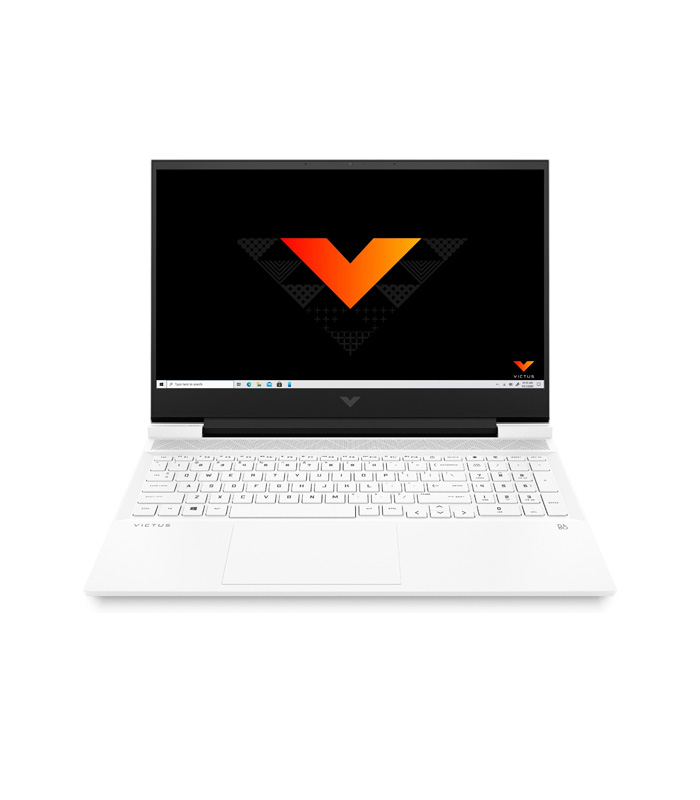
Look first at the refresh rate. A 120Hz panel makes fast games feel smooth, and it helps with sport too. Then check for HDMI 2.1, which lets a console send 4K at 120 frames a second.
Game mode is the next thing to find. It cuts the delay between your controller and the screen. Most good TVs switch to it by themselves when a console is plugged in. If you are unsure, ask us to set it up for you.
Reasons to buy
- Fast 120Hz panel
- Also solid for movies
Reasons to avoid
- Could use better built-in speakers
- Lots of pre-installed apps
- Thin sound
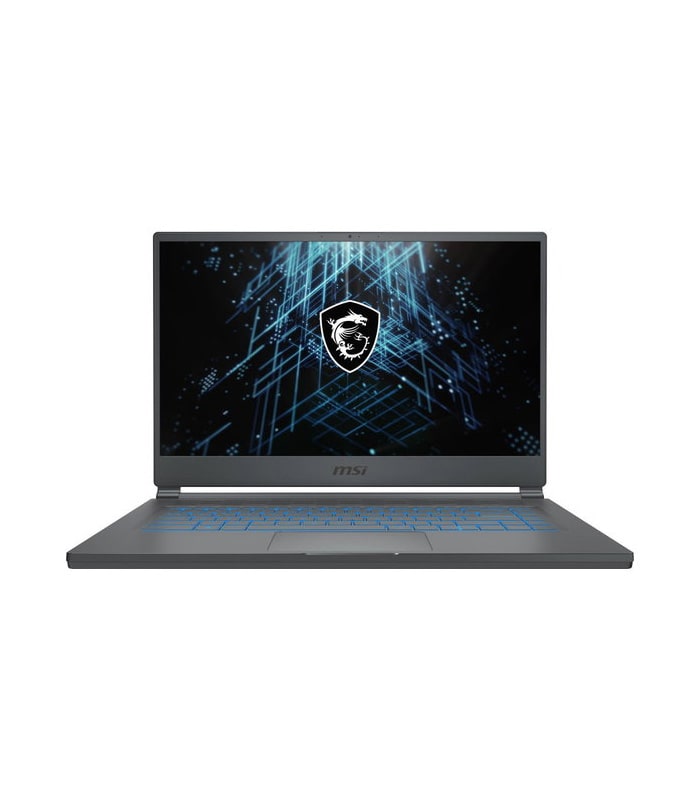
Look first at the refresh rate. A 120Hz panel makes fast games feel smooth, and it helps with sport too. Then check for HDMI 2.1, which lets a console send 4K at 120 frames a second.
Game mode is the next thing to find. It cuts the delay between your controller and the screen. Most good TVs switch to it by themselves when a console is plugged in. If you are unsure, ask us to set it up for you.
Reasons to buy
- Fast 120Hz panel
- Also solid for movies
Reasons to avoid
- Could use better built-in speakers
- Lots of pre-installed apps
- Thin sound
Conclusions
Big picture, rich sound
The best gaming TV depends on your room and your console. For most homes a 55 or 65 inch QLED with 120Hz and HDMI 2.1 is the sweet spot. If money is tight, the 43 inch 4K model still plays well. Visit us at 40 William Nicol Drive and we will show you each one running a game.