Blog
Mechanical keyboards explained simply
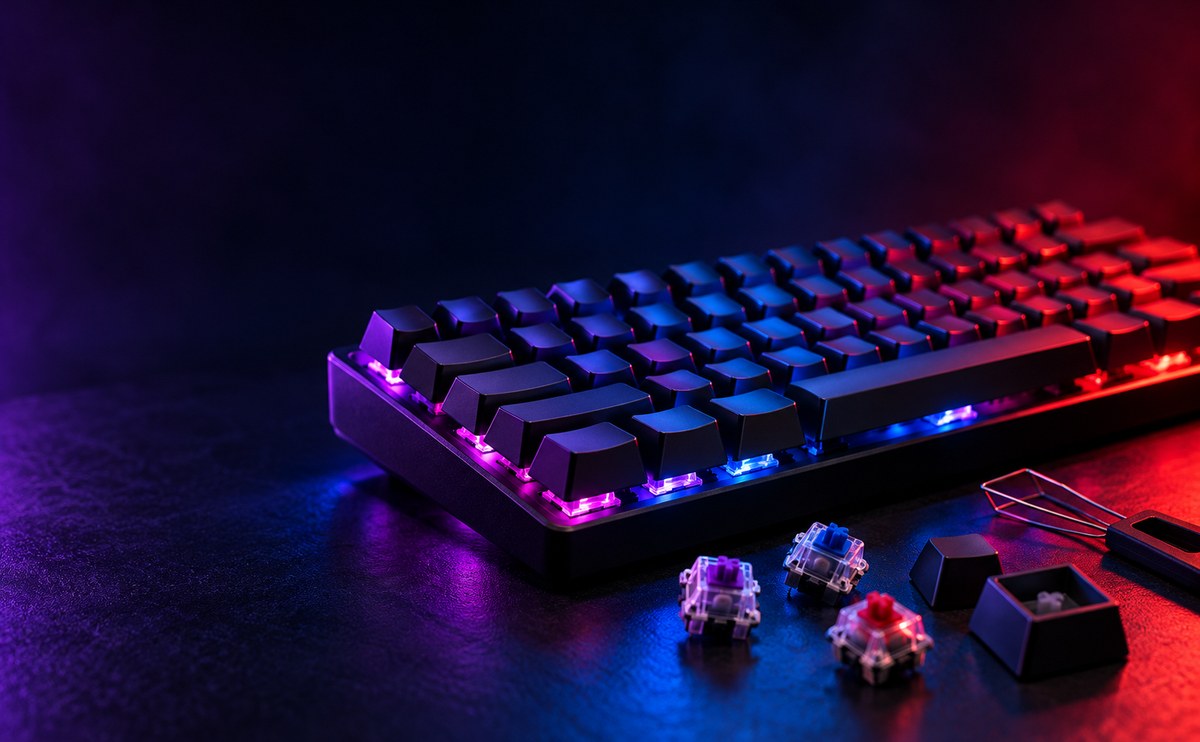
Mechanical keyboards use a separate spring and switch under each key, instead of one rubber sheet under the whole board. That gives you a clear click or bump when a key fires, instead of a mushy press. It also means each key wears on its own, so one worn letter does not mean a dead keyboard.
Habitant leo
Switch types matter more than looks. Linear switches move straight down with no bump, tactile switches give a small bump so you feel the press, and clicky switches add a sound on top of that bump.
Try before you buy if you can. A switch that feels great to one person can feel too stiff or too loose to another, and that matters more than any spec sheet.
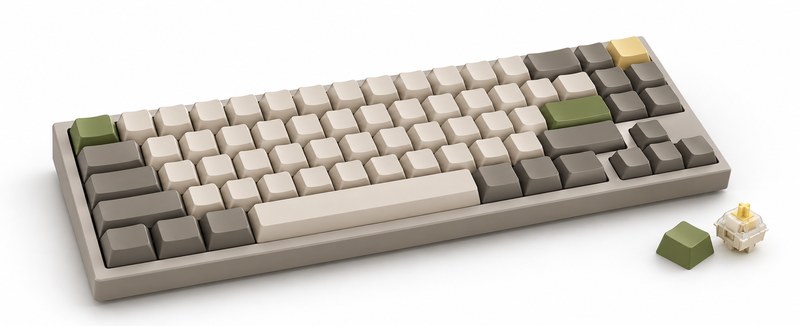
Board size changes how much desk space you free up. A full size board has a number pad, a tenkeyless board drops it, and compact boards go further by moving arrows onto a second layer.
Pick the size based on what you do. Gamers often want extra desk room for mouse movement, while people who work with numbers still want that number pad close at hand.
Size is the other big decision. A full size board keeps the number pad, which matters if you work with spreadsheets or enter numbers often. A compact or tenkeyless board drops the number pad and sometimes the arrow keys too, giving you more desk space to move your mouse.
Buy the layout that matches how you actually work, not the one that looks the smallest in a desk setup photo.
If you game and type for work on the same machine, a tenkeyless board is usually the easiest middle ground.
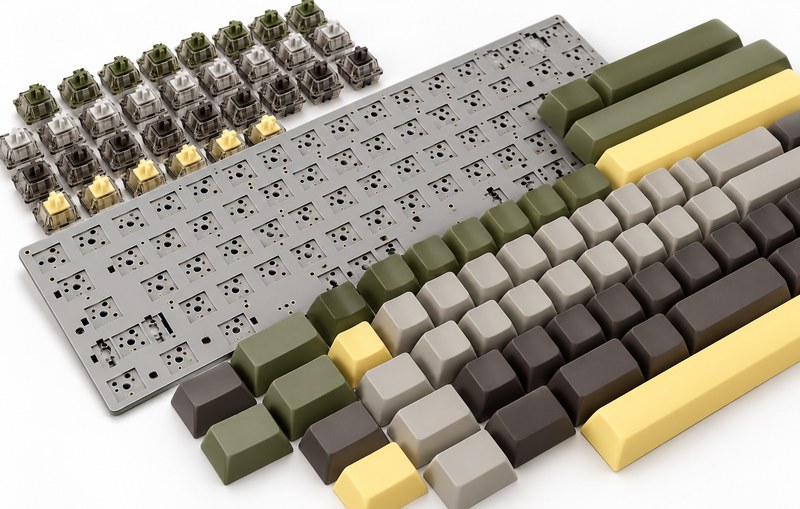
Keycaps affect feel and sound as much as switches do. Thicker PBT caps resist shine and feel slightly rougher, while thinner ABS caps feel smoother at first but get shiny within a year or two of typing.
Cleaning is simple. Turn the board off, pull the keycaps, and rinse them in warm water. A soft brush under the switches once a month keeps dust and crumbs from building up.
Easy Upkeep
Pick switches and layout first. Lighting and a wrist rest are nice extras, not the main decision.
If you type all day, go tactile or linear for quiet comfort. If you game more than you type, clicky switches can help you feel each press during fast inputs.
Test a few switches in person if you can before you decide.
A good mechanical keyboard should last years of daily use. Look for hot swappable sockets so you can change switches without soldering, and a solid case that does not flex when you type fast.
Keep a spare set of keycaps and a small lubricant pack on hand, and your keyboard will keep feeling and sounding good for a long time.