



Blog
How to Build a Portfolio Website That Wins Clients




New



-28%
Logo Template Mega Bundle
Original price was: R899.00.R649.00Current price is: R649.00.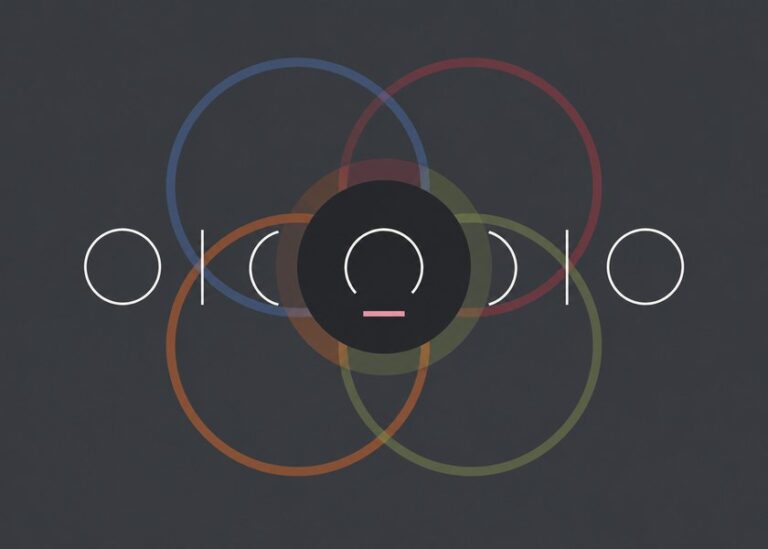
-17%
Overlap Geometric Sans Font Family
Original price was: R349.00.R289.00Current price is: R289.00.
Related Posts

How Cape Town Start-ups Approach Their Brand Identity

Stellenbosch has a small but busy design community. Studios, freelancers and print shops share the same few streets, and many of them s...

Editing Photos in South African Light: A Preset Guide
Inspiration rarely arrives on a schedule. Keep a folder of colours, textures and layouts you like, and look at it before you start a ne...

Minimalist Design Trends South African Brands Are Using
Minimalist design is not about empty pages. It is about choosing what matters and removing the rest. South African brands are leaning o...

New Releases: Fonts and Templates from Local Designers
This month our local designers released a fresh batch of fonts and templates. Boland Pixel added two display typefaces, and Kaapstad Ty...

How to Choose the Right Font for Your Small Business Brand
A good logo file is only the start. Most small brands in Stellenbosch and Cape Town need a full kit: a font pair, a few icons and a cle...


