Backing up before you bring it in
Before you drop off a phone, laptop or appliance for repair, back up anything you can't lose. Some repairs need a full reset, and we can't always save what's on a broken screen or a drive that's on its way out. A quick backup now saves a lot of stress later.
Habitant leo
Back up your photos and contacts before you bring your phone in.
If the screen is cracked or the phone won't turn on, we may not always get your data off it safely. Copy your photos to Google Photos or iCloud, and make sure your contacts are synced, before you come in.
For phones, switch off Find My iPhone or your Google account before the handover, so we're able to test the device properly once it's in for repair.
Write your passcode down on a piece of paper for us. We only use it to test the repair, then hand it straight back.
A laptop repair can sometimes mean wiping the drive to fix a software fault. If your photos, documents or work files only exist on that one laptop, that's a risk worth avoiding.
Back up first, repair second.
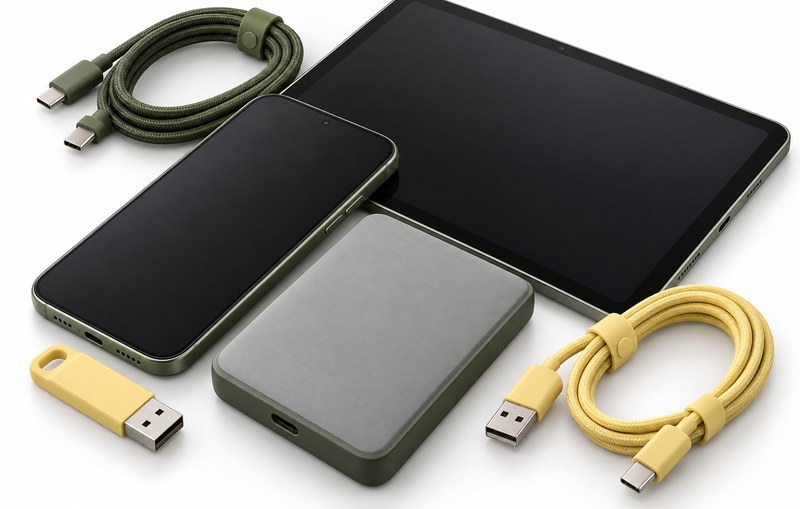
An external drive, a memory stick or a cloud folder all work. Even half an hour copying files across is worth it.

If your laptop runs Windows, let OneDrive finish syncing before you switch it off for the last time. On a Mac, give iCloud a few minutes to catch up too.
Know your login password and any account passwords we might need to test the machine. Write them down for the technician.
Appliance Drive Belt
Rated 4.00 out of 5
Quick checklist
Take your SIM card and memory card out before you hand the phone over.
Switch off any screen locks or Find My device settings first.
Bring your charger along if the fault might be related to charging or the battery.
We handle every device with care, but we can't guarantee your data if a drive or screen has already failed before it reaches us. A backup is the one thing we can't do for you.
Not sure how to back up your phone or laptop? Ask us when you drop it off. We're happy to show you.