
Blog
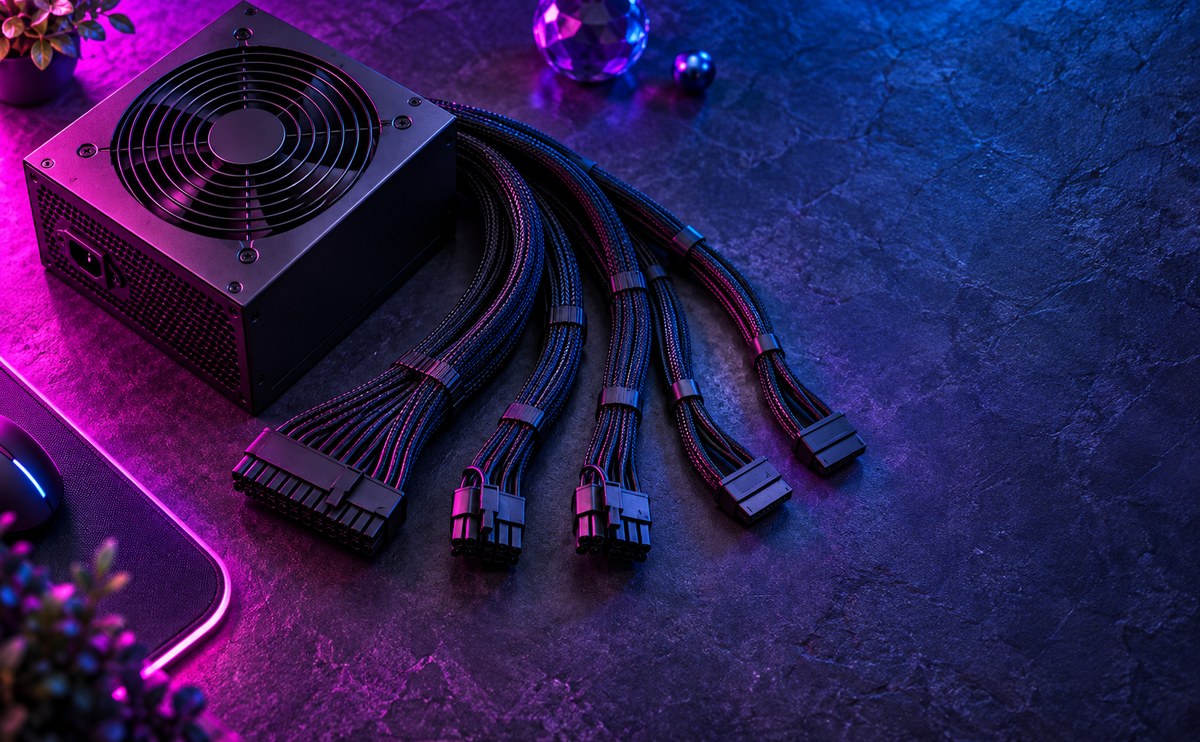
Picking a power supply you can trust

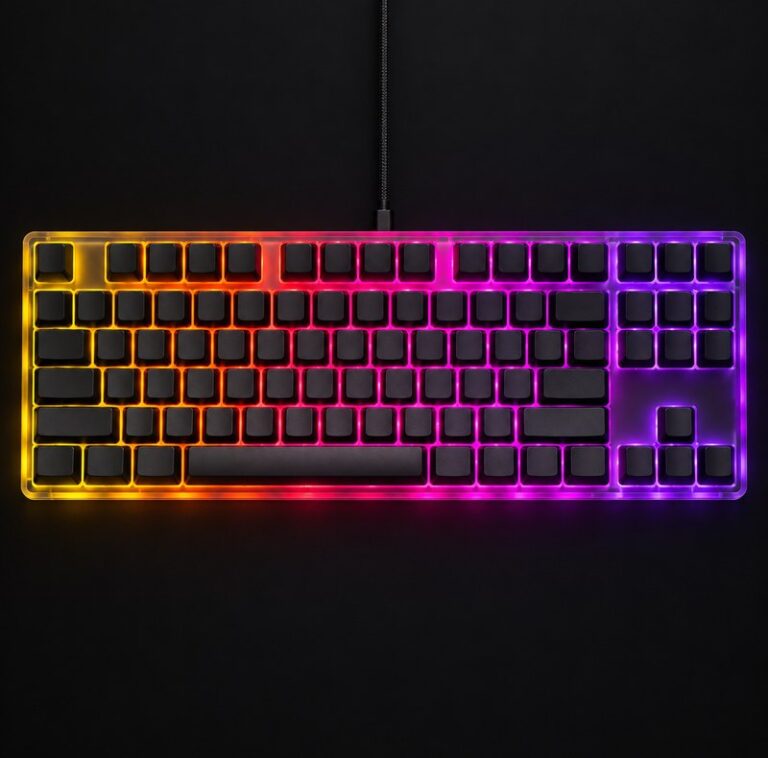
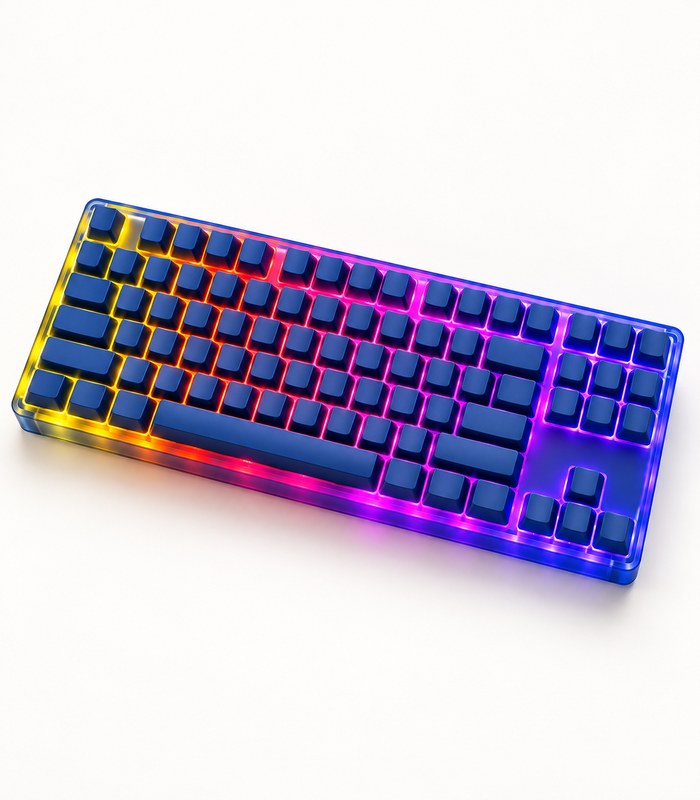
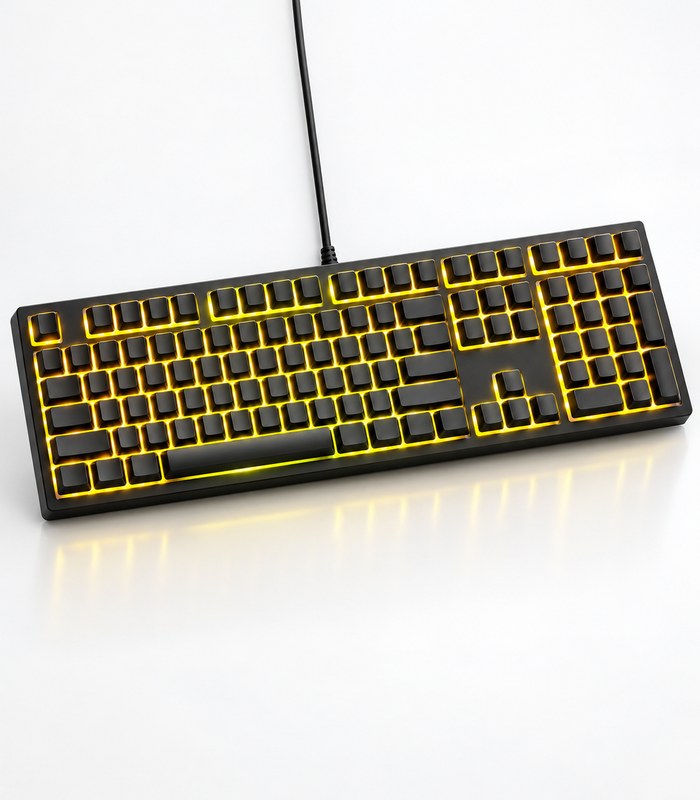
Compact RGB Mechanical Keyboard
R3,580.00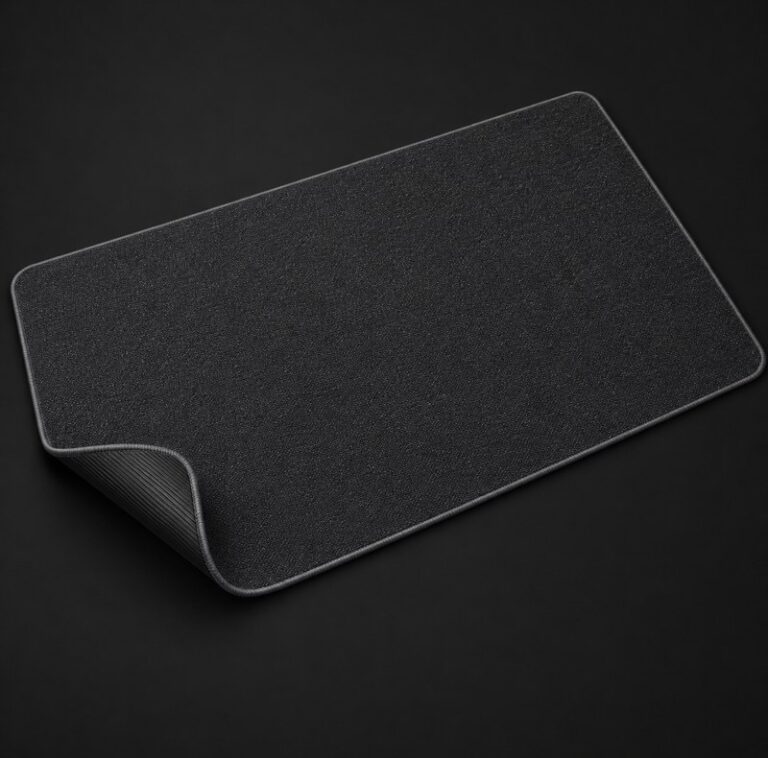
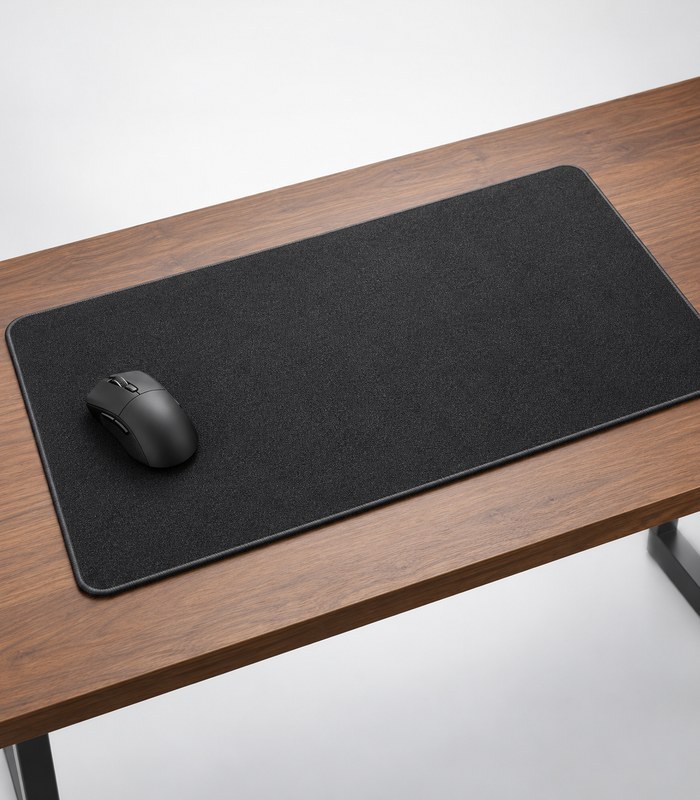
Extended Cloth Mouse Pad
Original price was: R7,180.00.R6,280.00Current price is: R6,280.00.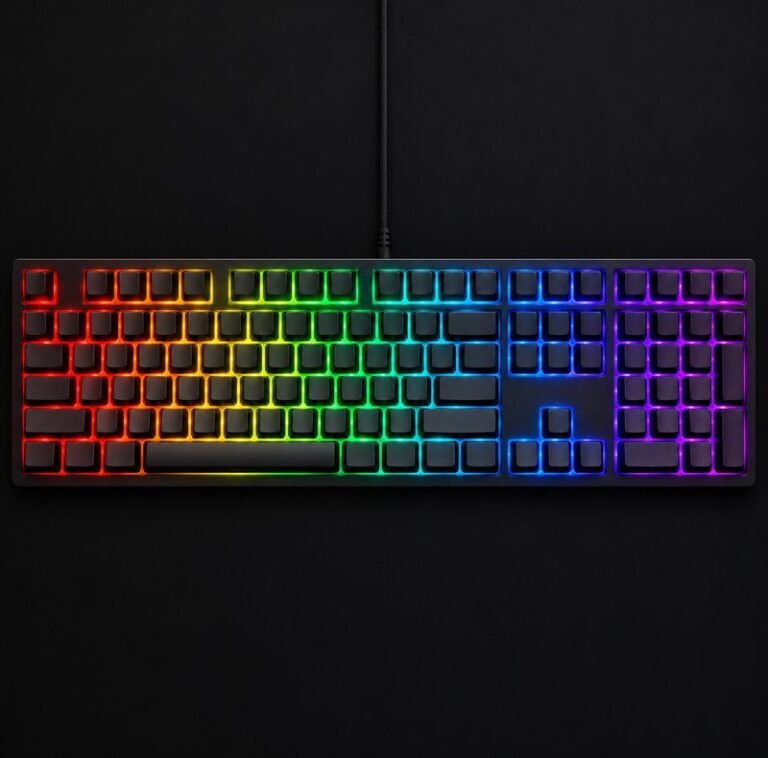
Full Size RGB Gaming Keyboard
R1,780.00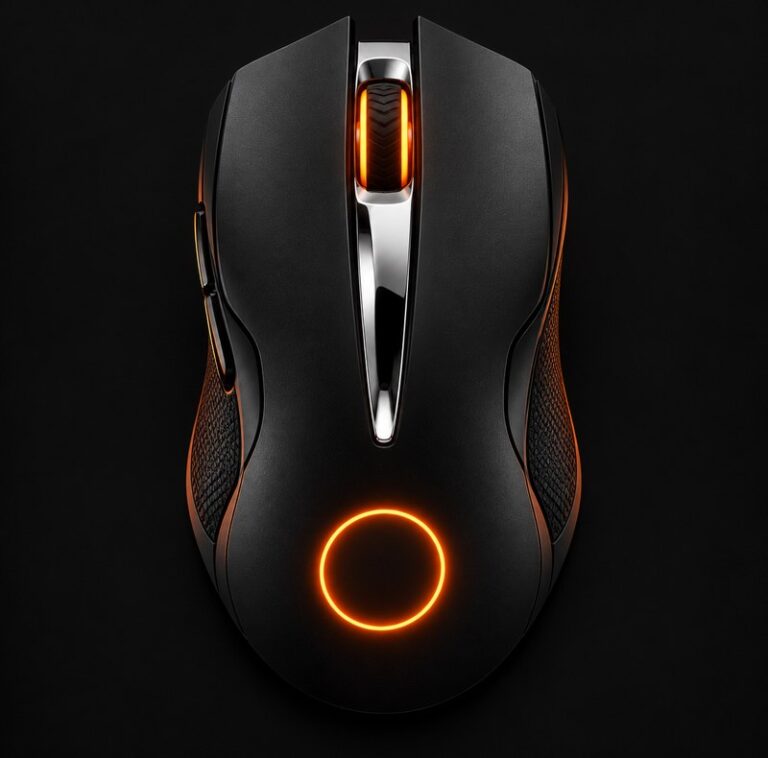
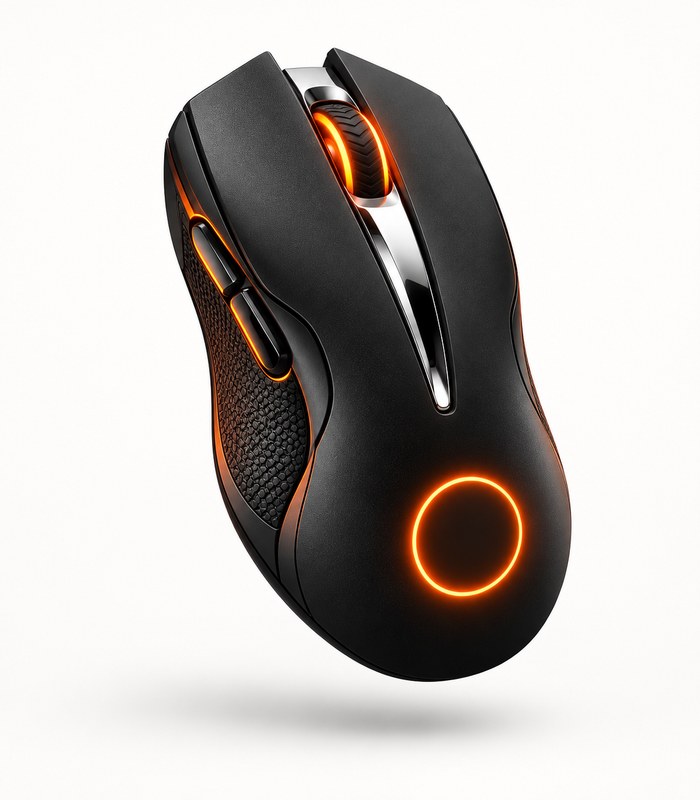
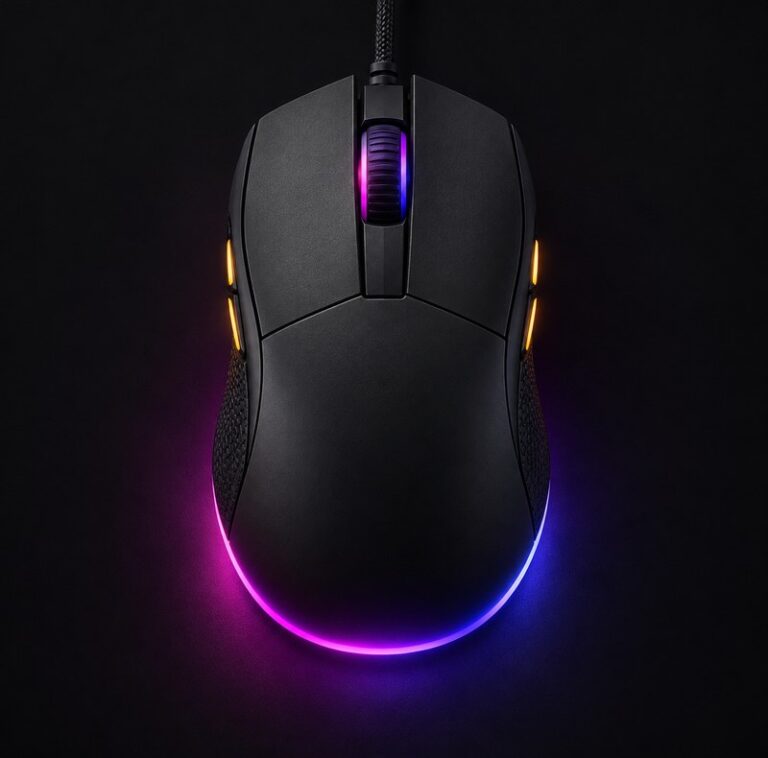
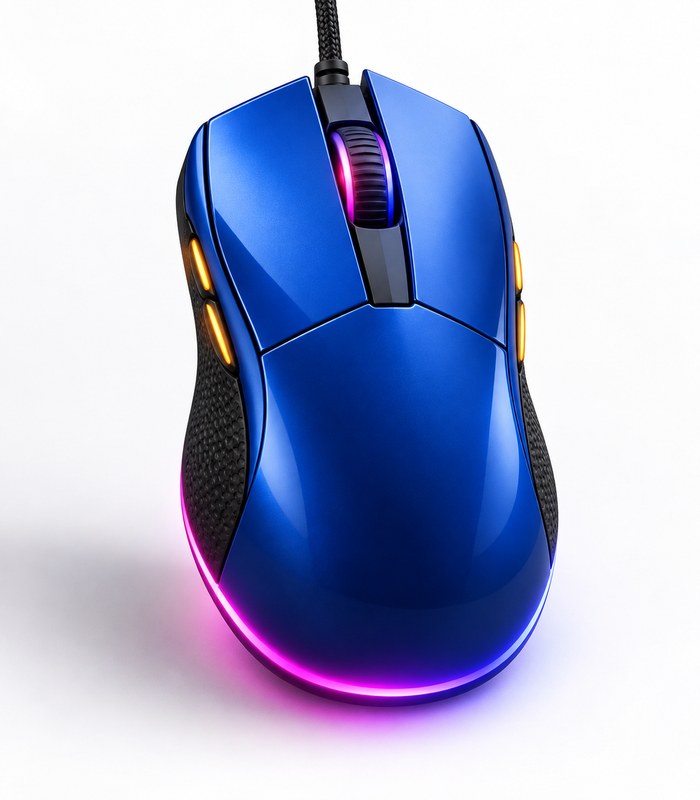
RGB Ergonomic Gaming Mouse
R7,720.00Related Posts
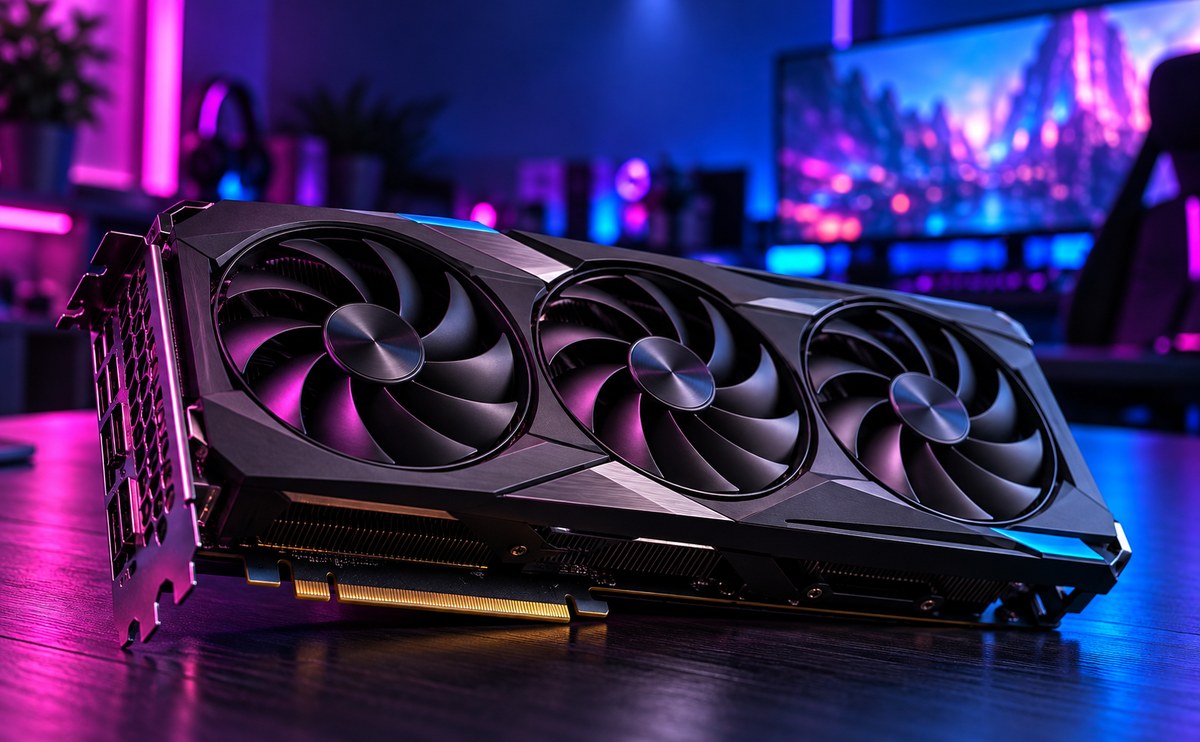
How to pick a graphics card that lasts

A good graphics card should last you three to four years, not just one. Check how much power it needs before you buy, and make sure you...
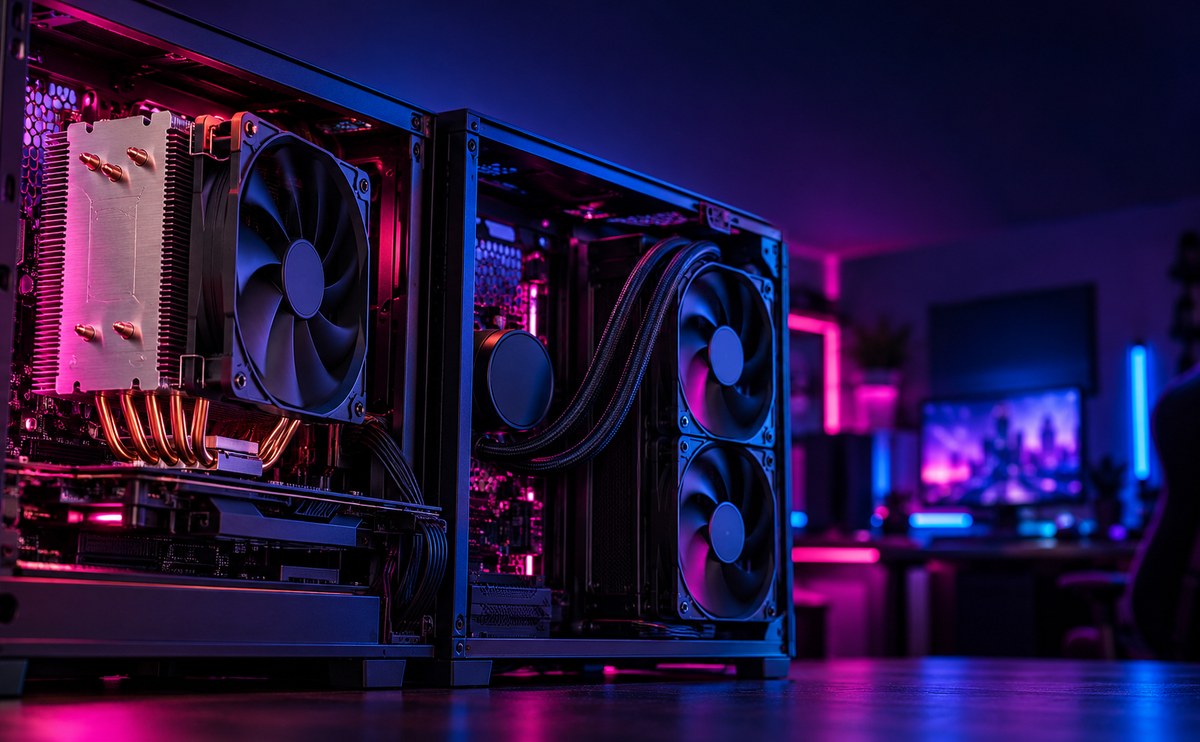
Air cooling or liquid cooling at home
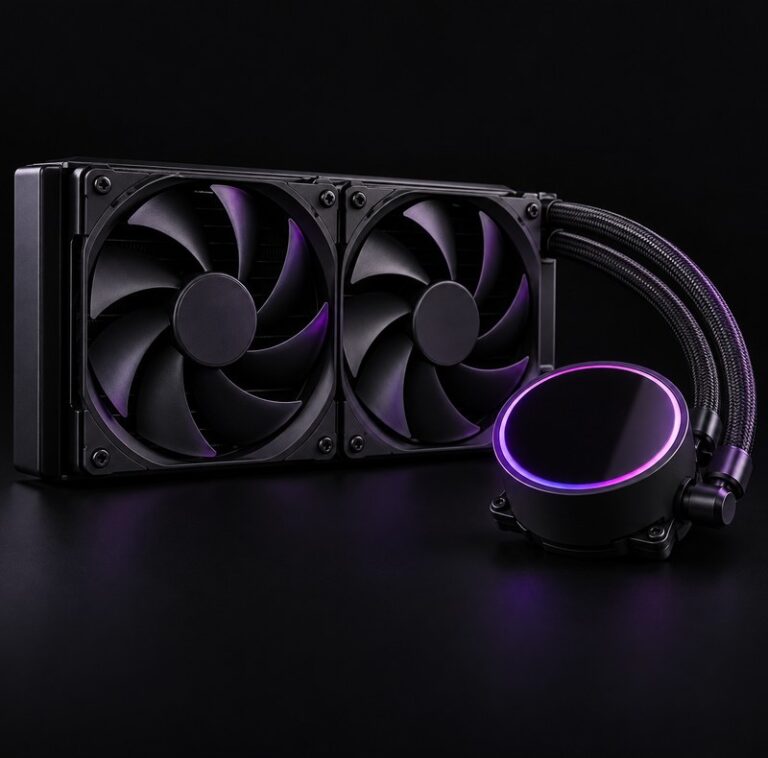
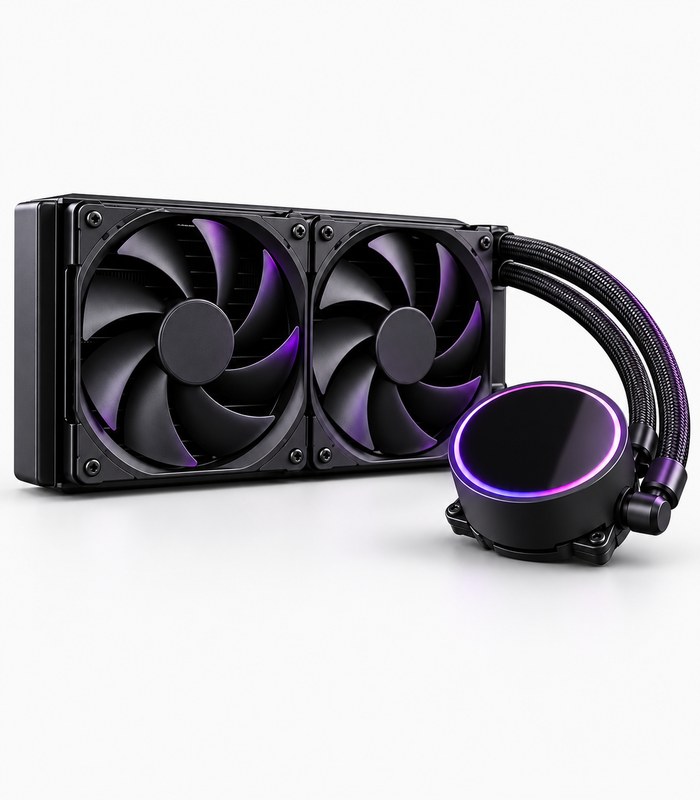
Air cooling is simple and reliable. A good tower cooler handles most builds without fuss, and there is nothing to leak. Liquid cooling ...
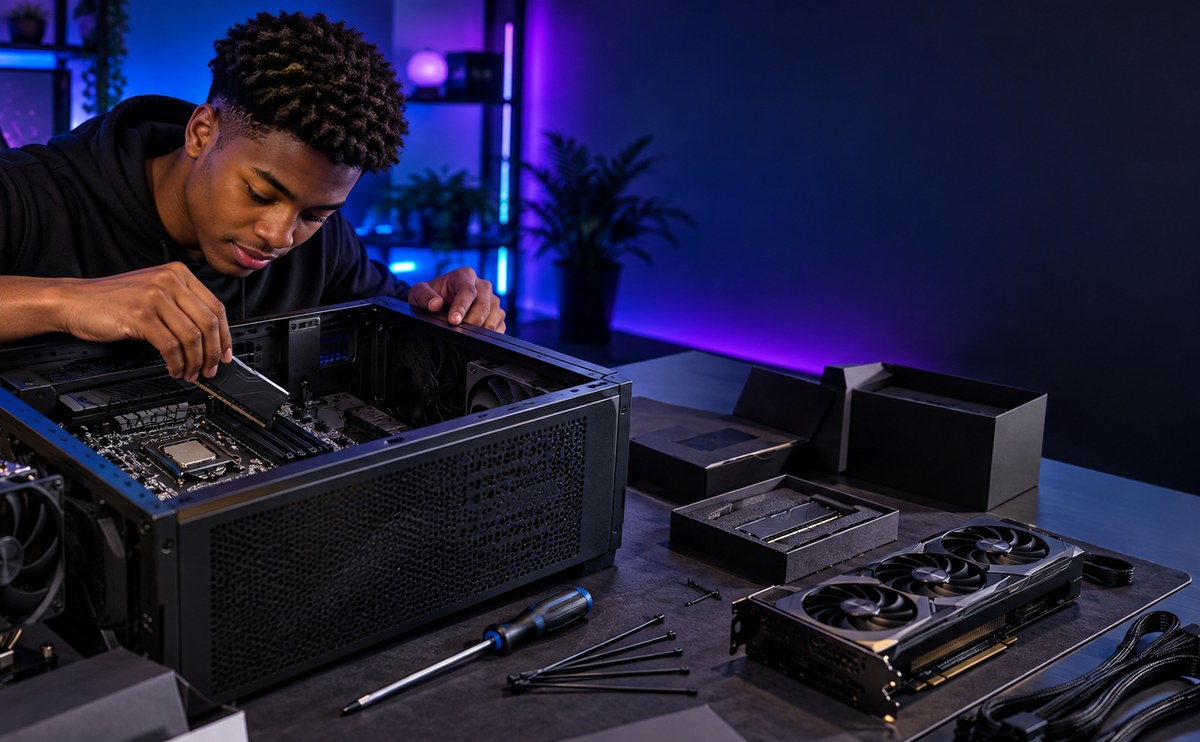
Building your first PC, step by step
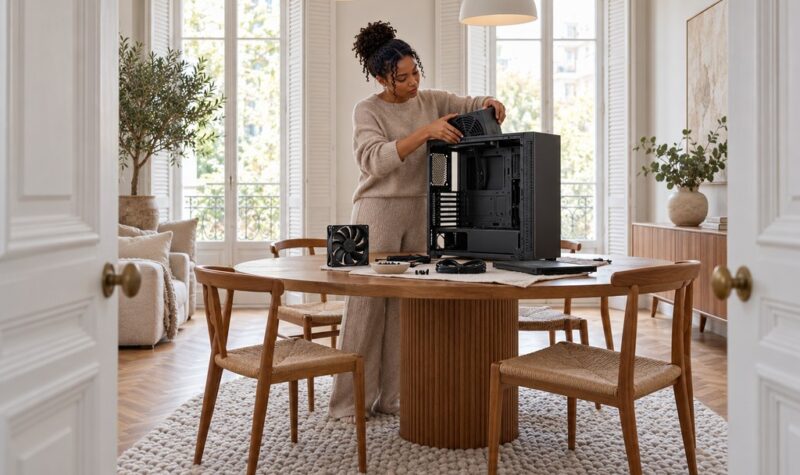
Building your first PC sounds harder than it is. Once the parts are in front of you, most of the work is matching connectors to slots a...
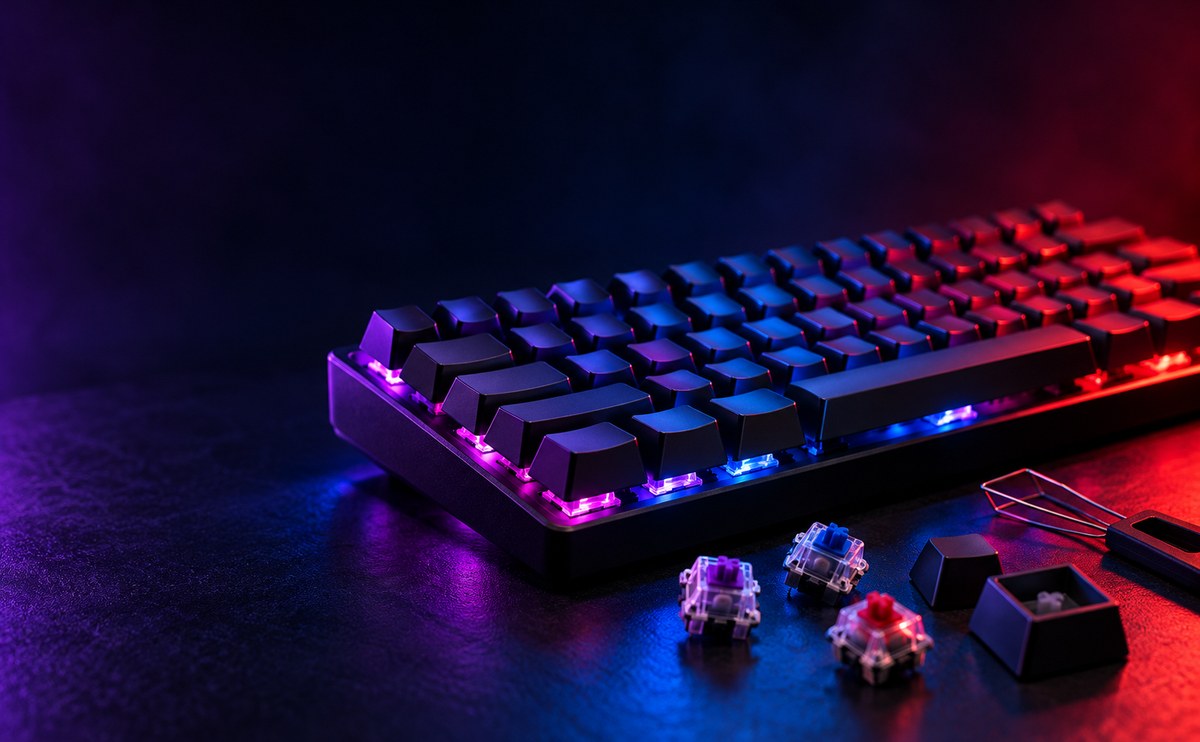
Mechanical keyboards explained simply
Mechanical keyboards use a separate spring and switch under each key, instead of one rubber sheet under the whole board. That gives you...
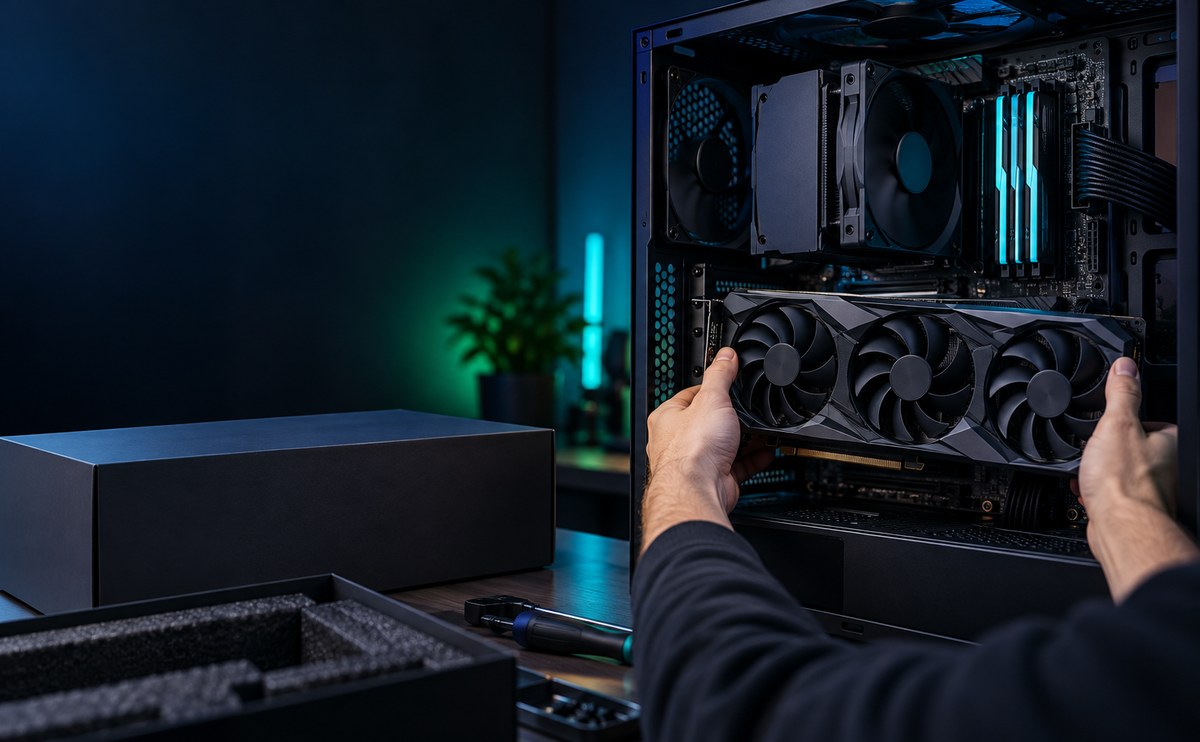
When an upgrade beats a new machine
A new machine is not always the answer. A graphics card, more memory or a faster drive can bring an older PC back to life for less than...